How to Download Competitor Ads (Legally, for Research)
You download competitor ads by opening the Meta Ad Library, finding the ad you want, and using a free browser extension to save the video, image, or carousel in full quality. That's legal for research, as long as you study the angle instead of reusing someone else's exact creative for your own campaigns. The Library itself has no download button; it's built for browsing, not saving.
Here's the exact process, the tools that make it faster, and where the legal line actually sits.
Is it legal to download competitor ads?
Downloading a public ad to study it is not the same as stealing it. Every ad in the Meta Ad Library is already public; Meta shows it to anyone, worldwide, with no login required. Saving a copy for your own reference is closer to bookmarking a webpage than to piracy.
The line moves once you use what you saved. Copy the angle, not the asset is the working rule most media buyers follow: study why an ad works (the hook, the offer, the proof), then brief your own team to build something original in your own brand. Re-uploading someone else's exact video or image as your own ad is a different act, and it can create real trademark and copyright exposure.
How do you download competitor ads from the Meta Ad Library?
The Ad Library itself makes this hard on purpose. There's no download button, no save button, and no bulk export. If you right-click a video, you often get a low-res preview file, not the real HD asset the advertiser uploaded.
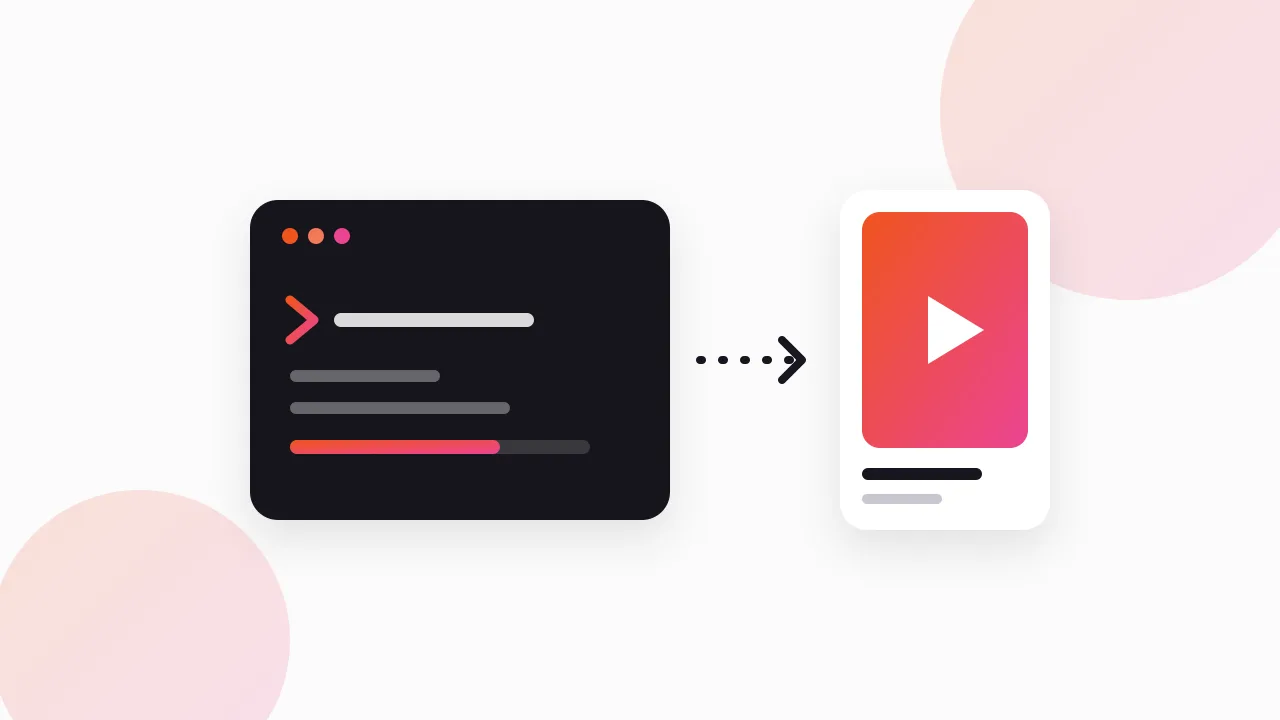
A free Chrome extension fixes this by adding a real download button inside the Library page itself. The general flow looks like this:
- Open facebook.com/ads/library and search the advertiser or keyword you want.
- Click the extension's Download button on any single ad, or turn on "Find all ads" to scroll and collect an entire search.
- The extension packs everything into one ZIP: original HD video (no watermark), images, and full carousels with every card, not just the first.
- Open the swipe board that comes with the export to search, filter, and review what you downloaded.
If you want the full tour of the Library itself, including its filters and blind spots, that's covered separately in the Meta Ad Library guide.
- 1Open a searchIn the Meta Ad Library
- 2Click Download, or Find all adsOne ad, or bulk collect a search
- 3Extension packs a ZIPHD video, images, full carousels
- 4Review in the swipe boardPlus a CSV of every ad
An ads library download works the same way whether the ad ran on Facebook or Instagram, since Meta shows both placements in one place. So a search for "instagram ads download" and one for "facebook ads download" usually land on the exact same tool, because the Library doesn't split them into separate systems.
What's the fastest way to download every ad in a search?
One ad at a time is fine for spot-checking a single competitor. It falls apart once you're tracking ten rivals, or a competitor is running eighty ads and you want all of them.
Bulk mode solves this by scrolling an entire Ad Library search automatically, collecting every running ad, and packing the whole thing into one ZIP file. You can choose Videos, Images, or Everything, and duplicate ads get collapsed automatically so you're not downloading the same variant six times.
We built exactly this as a free Chrome extension, Klipio's Meta Ad Library Downloader (disclosure: Klipio is our product). It adds the Download button and the bulk "Find all ads" mode directly inside facebook.com/ads/library, exports original HD video with no watermark, and includes the searchable swipe board and CSV automatically. It's free, needs no account, and runs on your own connection, so nothing passes through our servers. The full walkthrough is in how to download Facebook Ad Library videos.
Which tools can you use to download or track competitor ads?
The free extension covers the download itself. Paid tools sit a layer above that: they add saved searches, alerts when a competitor launches something new, and team collaboration on top of the same public Ad Library data.
| Tool | Price | What it's actually for |
|---|---|---|
| Meta Ad Library (native) | Free | Browsing every active ad; no download, no saving |
| Free Chrome ad downloader | Free | Downloading HD video/image/carousel, single ad or bulk ZIP |
| Foreplay | From $59/mo ($49 annual) | Swipe-file boards and team review |
| Minea | From $49/mo | Ecommerce and Shopify-focused ad tracking |
| BigSpy | From $9/mo (free tier) | Budget option, covers multiple ad networks |
| Pipiads | From $49/mo | TikTok ads alongside Facebook |
| PowerAdSpy | From $69/mo | Keyword-based ad search |
| AdSpy | $149/mo (no free trial) | Deep filtering across a huge ad archive |
None of these paid tools get you data the Ad Library doesn't already have; Meta doesn't expose spend or engagement numbers to anyone outside political ad transparency rules. What you're paying for is organization and speed, not access. For a fuller breakdown of when each one earns its fee, see the best ad-spy tools.
What should you do with downloaded ads?
Once you download competitor ads, the temptation is to file them away and move on. That's a waste of the download. The point is to read the pattern across many ads, not to admire any single one.
Group what you saved by hook style, offer type, and format. If six of a competitor's longest-running ads open with the same objection, that objection is real and worth answering in your own copy. If their winners are all UGC-style video and their statics all get pulled fast, that's a production signal, not a coincidence.
If you'd rather just look at what a competitor is running before deciding whether to save anything, start with how to see competitors' Facebook ads; it covers reading the Library itself, no download required.
FAQ
Can I download ads from the Facebook Ads Library?
Not directly; the Library has no built-in download button. A free Chrome extension adds one, letting you save the video, image, or full carousel in original quality directly from any ad's page.
Is it legal to download competitor ads?
Downloading a publicly shown ad for your own research is standard practice and not itself a legal issue. The risk starts if you reuse someone else's exact creative commercially instead of building your own version of the underlying angle; this isn't legal advice, so check with a lawyer for anything you plan to publish.
How do I download Instagram ads specifically?
The same way as Facebook ads. Meta's Ad Library shows Instagram placements in the same search results as Facebook ones, so an instagram ads download and a facebook ads download use the identical tool and process.
Does the Ad Library API let me download commercial competitor ads?
No. The official Ad Library API only returns political and social-issue ads, plus EU ads covered by the Digital Services Act. Commercial ads from ecommerce and SaaS brands are only visible and downloadable through the Library's web interface.
How long do competitor ads stay in the Ad Library before I can no longer get them?
Only as long as the advertiser keeps them running. The Library shows active ads; once a brand pauses or ends an ad, it disappears immediately with no archive to recover it from, which is why downloading anything worth studying sooner rather than later matters.
What's the best free way to see competitor ads before downloading anything?
Go straight to facebook.com/ads/library, search the competitor's Page name, and set the ad category to "All ads." It's free, needs no account, and shows every active ad with its creative, copy, and a "Started running on" date you can use to spot likely winners.
The Klipio extension adds a download button to every ad in the Meta Ad Library: one click per ad, or bulk-save a whole search as a ZIP with a searchable swipe file inside. Free, no sign-up.
Get the free Ad Library downloaderKlipio reads a competitor's live Meta ads, ranks them by how long they have been running — the honest signal that an ad is profitable — and turns the winning angle into on-brand creative for your own brand. 3-day free trial.
Start free — 3-day trial →