Download Facebook Ads on PC and Mobile
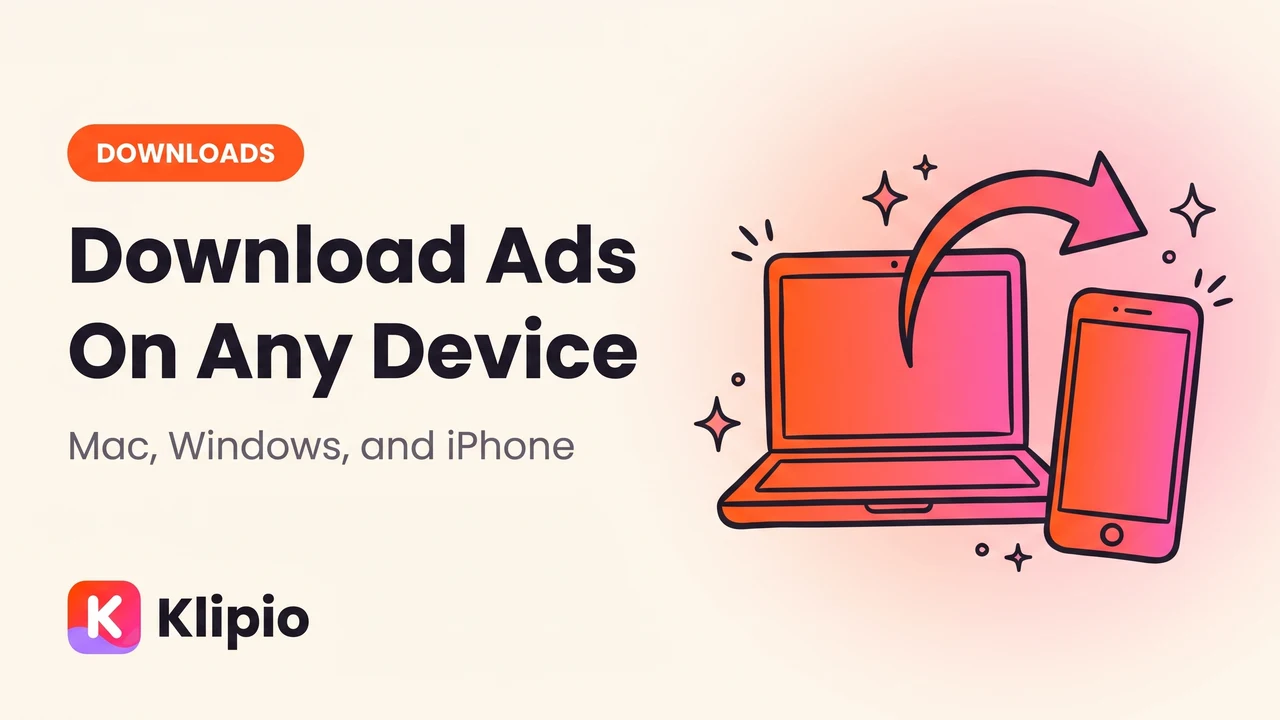
You download Facebook ads on PC and mobile the same way in principle: open the ad in the free Meta Ad Library, then use a tool that adds an actual download button, since Meta doesn't give you one. On Mac and Windows that tool is a free Chrome extension and the process takes seconds; on iPhone and Android, extensions don't run at all, so your options narrow fast.
Here's what changes on each platform, plus what to do when your only device is a phone.
What you need to download Facebook ads on PC and mobile
Before anything else, you need the Meta Ad Library itself: facebook.com/ads/library. It's free, shows every active ad from any advertiser worldwide, and needs no login.
What it doesn't have is a download button. Right-click "Save video" is greyed out or missing, because Meta streams ad video through its own player instead of serving a plain file. Images and carousels have the same problem.
That gap is why a separate tool exists. On desktop, a Chrome extension fills it in one click; on mobile, there's no equivalent, because phone browsers don't support that kind of extension.
How to download Facebook ads on Mac and Windows
This is the fast path, and it's identical on both operating systems — Chrome is Chrome, whether it's running on macOS or Windows.
- Install the extension. Get the Meta Ad Library Downloader from the Chrome Web Store. It's free, no account, no sign-up.
- Search the library. Go to facebook.com/ads/library, pick a country, and search a brand name or keyword.
- Click Download on any ad. The button appears directly on the ad card. Videos come out in original HD, no watermark; images save as images; carousels save every card, not just the first.
- Check your Downloads folder. Files are named by advertiser and date, so they sort cleanly without you renaming anything.
That covers a single ad. For the manual, no-install method too, see our full guide to downloading videos from the Meta Ad Library. If you're pulling more than a handful, "Find all ads" grabs everything running at once — more on that below.
- 1Install the extensionChrome, Mac or Windows
- 2Search the Ad LibraryBy brand or keyword
- 3Click DownloadOn any ad card
- 4Get the HD fileNo watermark, named by advertiser + date
How to download Facebook ads on iPhone and Android
This is where the story changes. Mobile Chrome and mobile Safari don't support the kind of extension that adds a download button — a limitation of the phone browsers, not any one tool. Downloading Facebook ads on iPhone directly, in one tap, isn't currently possible the way it is on desktop.
You have three real options:
- Save the ad's link and download later. Open the ad on your phone, copy the link, and send it to yourself. Back at a Mac or PC, open it there and use the extension. Cleanest route if you're just scouting on the go.
- Screen record it. Play the ad and record your screen. No install needed, but it re-encodes the video — you lose resolution and pick up compression artifacts.
- Use the Pro dashboard, if you're on it. Klipio's optional Pro tier saves whole brands to a dashboard you can revisit cross-device, so ads captured on desktop stay viewable from your phone afterward — viewing, not a mobile install.
Desktop vs mobile: what actually changes
Here's the direct comparison.
| Mac / Windows (Chrome extension) | iPhone / Android | |
|---|---|---|
| Download button on the ad | Yes, one click | No |
| Video quality | Original HD, no watermark | Screen-record only (re-encoded) |
| Carousels | Every card, automatically | Manual, one screenshot at a time |
| Bulk download (whole search) | Yes, "Find all ads" | Not available |
| Setup | Install extension once | None — but no download button either |
| Best use | Actually saving ads | Scouting, then downloading later on desktop |
The gap isn't specific to one tool — it's true of every browser-extension-based downloader, because phone browsers don't run this class of extension. That's the honest state of how you download Facebook ads on PC and mobile today: plan to do the actual downloading on a computer, even if you spot the ad on your phone.
Downloading a lot of ads at once (bulk mode)
Single-ad downloads are fine for one video. They fall apart once you want everything a competitor is running — 50, 100, or 300+ ads in one search.
Bulk mode solves that: click "Find all ads," and it scrolls the entire search result, collecting every ad it finds. Pick Videos, Images, or Everything, and it packs the whole thing into one ZIP file, with duplicates collapsed automatically — Meta serves the same creative under multiple ad IDs constantly.
Every export also comes with a free searchable swipe board (an index.html file) so you can search by hook, CTA, or advertiser, play ads in place, and copy ad text without digging back through the library. A CSV of every ad ships alongside it. Full walkthrough: bulk-downloading a whole Meta Ad Library search.
Other tools, if an extension isn't what you need
The free extension covers downloading: pulling the actual video, image, or carousel file off the library. If you need spend estimates, engagement data, or a shared team database on top of that, a paid research tool might fit better.
| Tool | Starting price | Best for |
|---|---|---|
| Klipio Ad Library Downloader | Free | Downloading video/image/carousel ads, single or bulk |
| AdSpy | $149/mo, no trial | Searchable competitor ad database |
| Foreplay | $59/mo ($49 annual) | Swipe files + creative briefing for teams |
| Minea | From $49/mo | Ad and product research across platforms |
| BigSpy | From $9/mo, free tier | Ad spy database with filters |
| Pipiads | From $49/mo | TikTok and Facebook ad discovery |
Worth noting: MagicBrief, a popular swipe-file tool, was acquired by Canva and shut down on July 31, 2026 — its stated successor is Canva Grow. See our fuller roundup of ad research and spy tools if price and features matter more to you than the free download step.
Disclosure: Klipio also makes a broader ad-intelligence product that watches competitor Meta ads and turns winning angles into on-brand creatives, from $79/mo. The extension above is a separate, free tool — no paid product required to use it.
Is it legal to download Facebook ads
Downloading a public ad from the Meta Ad Library for research is standard practice among media buyers — studying a hook or how long an ad has run isn't different from bookmarking a competitor's landing page. What crosses a line is taking someone else's exact video or image and running it, unchanged, as your own ad.
The safer rule: copy the angle, not the asset. Study what's working and rebuild it in your own voice, your own footage, your own product. This isn't legal advice — check with a lawyer for a specific commercial use case.
For more on how the library itself works, including its search quirks, see our Meta Ad Library guide. For what to actually do with what you find, see researching competitors' Facebook ads. Between the two, that covers everything past the download itself, on any device.
FAQ
Can I download Facebook ads on my iPhone?
Not directly. Browser extensions don't run on mobile Safari or Chrome, so there's no one-tap download button on iPhone. The workaround is screen recording on the spot, or saving the ad's link and downloading it properly later on a Mac or PC.
Is there a Facebook ads download for PC that's actually free?
Yes. The Meta Ad Library Downloader is a free Chrome extension with no account, no sign-up, and no watermark. It works the same on Mac and Windows since both run the same Chrome browser engine.
Do I need a different tool for Mac versus Windows?
No. Any Chrome extension, including this one, runs identically on macOS and Windows because the browser does the work, not the operating system. The same applies to Edge and Brave, since both are Chromium-based.
Why can't I just save a Facebook ad video by right-clicking?
Meta streams ad video through its own player instead of serving a downloadable file, so the browser's native "Save video as" option is usually missing or greyed out. That's true on every platform — Mac, Windows, and mobile alike.
Can I download a whole competitor's ad library at once?
Yes, on desktop. "Find all ads" scrolls an entire search result and bulk-downloads every ad into one ZIP, instead of clicking Download hundreds of times. There's no mobile equivalent of this bulk mode.
What's the fastest way to download Facebook ads on Mac specifically?
Install the free Chrome extension, search the Ad Library for the brand or keyword you want, and click Download on the ad card. It takes about five seconds per ad, landing in your Downloads folder in original HD with no watermark.
The Klipio extension adds a download button to every ad in the Meta Ad Library: one click per ad, or bulk-save a whole search as a ZIP with a searchable swipe file inside. Free, no sign-up.
Get the free Ad Library downloaderKlipio reads a competitor's live Meta ads, ranks them by how long they have been running — the honest signal that an ad is profitable — and turns the winning angle into on-brand creative for your own brand. 3-day free trial.
Start free — 3-day trial →