Competitor Ad Landing Pages: How to Find the Offer
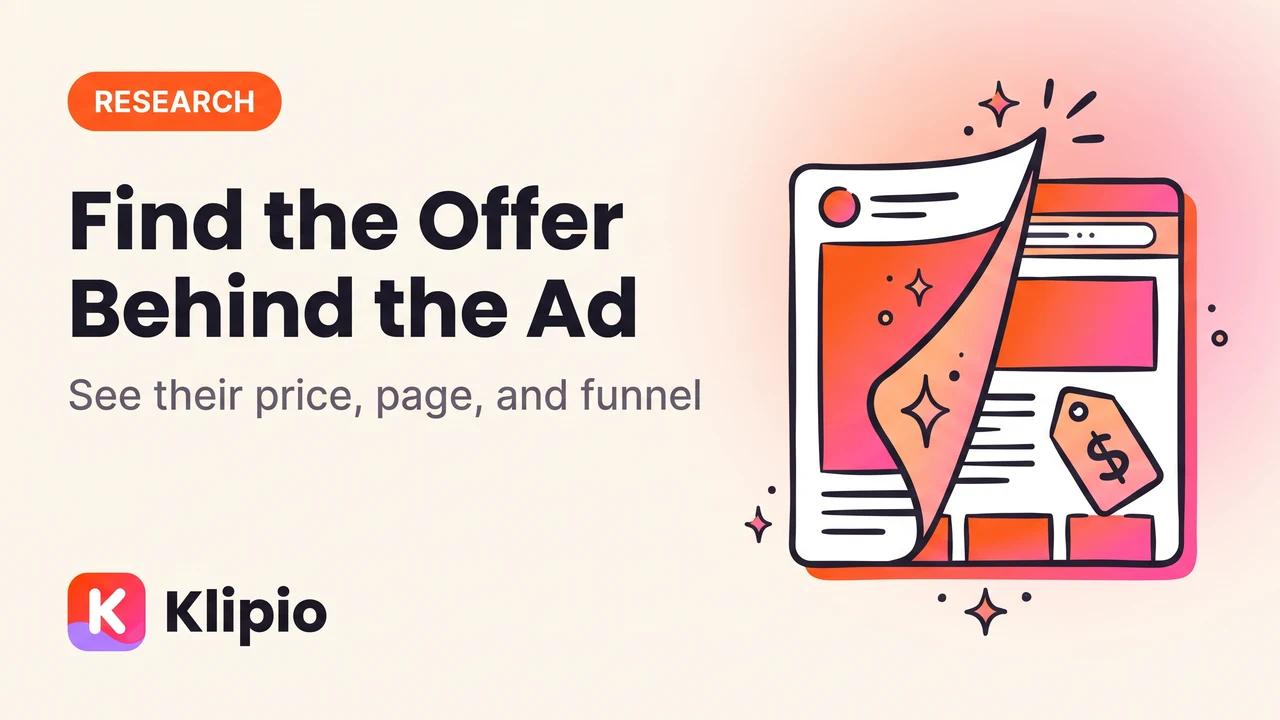
Finding competitor ad landing pages is usually one click away: open the ad, click through exactly like a customer would, and follow the redirect to wherever it actually lands. That page, not the ad copy, is where you see the real offer, price, and funnel step being tested. This guide walks through how to find competitor ad landing pages step by step, including the shorteners and redirects that make it harder than it looks.
Why the landing page matters more than the ad copy
An ad is a hook. The landing page is the sale.
You can read a competitor's headline and CTA all day in the Meta Ad Library and still not know what they're actually offering. Is it 20% off, a bundle, a quiz funnel, a free trial? The landing page is where the real offer lives, not the ad.
This matters for pricing, positioning, and funnel structure. A brand running the same ad for eight weeks straight is telling you the whole funnel converts, not just that the hook is good. The landing page is the missing half of that story.
How to find competitor ad landing pages on Facebook or Instagram
Most of the time this takes under a minute. Here's the order that works.
- 1Open the ad in the Meta Ad LibrarySearch the brand at facebook.com/ads/library
- 2Click the CTA button or "See ad details"This fires the real click-through link
- 3Follow the redirect all the wayTrackers and shorteners bounce through several hops
- 4Land on the real pageNote the URL, the offer, and the price
A few notes on step two. Some ads link straight to a product page. Others route through a shortener first (bit.ly, app.link, or a Meta click-tracking redirect) that adds a hop or two before the real URL shows up in your address bar.
Either way, follow the click, not just the copy. The Ad Library shows you the ad's text and creative, but the destination only appears once you actually click through — the same logic behind reverse-engineering a competitor's ad angle, where the winning idea sits underneath the surface details.
What redirects and shorteners hide
Not every "Shop Now" button goes where it looks like it goes. Understanding what's between the ad and the final page helps you find competitor landing pages faster, especially when the first click doesn't get you there.
| Redirect type | What you see | How to get past it |
|---|---|---|
| Direct link | The real URL right away | Nothing extra needed |
| Link shortener (bit.ly, etc.) | A short, unreadable URL | Paste it into a link-expander or just follow the click |
| App-link redirect (app.link, onelink) | Opens an app or app-store page | Try the same click on desktop instead of mobile |
| Meta click tracker | A facebook.com/l.php URL wrapping the real link | The real URL sits in the u= query parameter |
| UTM-tagged redirect | The final page, but with tracking params attached | Ignore the ?utm_ tail, the base URL is what matters |
What to look for once you land on the page
The click-through is only step one. Once you're on the actual page, read it the way a buyer would, not the way a marketer would.
Check the headline against the ad's hook. Competitors frequently promise one thing in the ad and lead with something slightly different on the page, which tells you how they're bridging cold traffic to the offer.
Check the price and any discount stacking. A "30% off" ad that lands on a page with a further pop-up discount is testing a two-step offer, not a flat one.
Check the page type. A dedicated landing page (built for this ad specifically) signals a serious, ongoing campaign. A generic collection or homepage often means the ad is a lower-priority test.
Tools that make competitor funnel research faster
Manual click-throughs work fine for a handful of ads. If you're tracking dozens of competitors across weeks, a paid tool saves real time by keeping a running library of ads and letting you filter by how long each one has run. See our full comparison of ad spy tools for a longer breakdown of what each one actually does.
| Tool | Starting price | What it's good for |
|---|---|---|
| AdSpy | $149/mo, no trial | Deep filtering and search across a large ad database |
| Foreplay | $59/mo ($49 annual) | Swipe files and board organization for creative teams |
| Minea | $49/mo | Cross-platform ad and product research |
| BigSpy | Free tier, paid from $9/mo | Budget-friendly entry point |
| PowerAdSpy | $69/mo | Ad search with engagement filters |
| Pipiads | $49/mo | TikTok- and Meta-focused product research |
Every one of these still requires you to click through to the landing page yourself. None of them download it for you, and none give you spend or conversion numbers the platform itself doesn't expose.
If you just want the ad creative saved before you go find the landing page, Klipio's free Meta Ad Library downloader adds a download button to every ad in the library, pulls videos in original HD and full carousels, and packs a whole search into one ZIP with a searchable swipe board. It's a separate step from tracing the landing page, but it means you're not re-finding the same ad twice.
Honest limits of this method
A landing page tells you the offer. It doesn't tell you if the offer is working.
You still can't see spend, clicks, or conversion rate on someone else's funnel. The closest free signal is how long the ad has been running: Meta shows a "Started running on" date on every ad card, and ads that keep running for weeks are usually the ones paying for themselves. Our guide to the Meta Ad Library covers what else the library does and doesn't expose.
Landing pages also change without warning. A page you traced today might be swapped for a different offer next week, which is exactly why saving what you find, rather than just bookmarking the ad, matters.
FAQ
How do I find the landing page for a Facebook ad?
Open the ad in the Meta Ad Library, click the CTA button or "See ad details," and follow the redirect. Most ads land on the real page within one or two hops, though some route through a shortener or app-link first.
Can you see a competitor's landing page without clicking the ad?
Not reliably. The Ad Library doesn't list destination URLs anywhere in the ad card, so clicking through (or using your browser's DevTools Network tab to trace the request) is the only way to see where an ad actually sends traffic.
Why does a competitor's ad link go to a different URL than expected?
Most ads route through a redirect or link shortener before the final page loads, often for tracking purposes. Check the address bar after the page fully loads, not right when you click, since some redirects take a second hop.
Is it legal to look at a competitor's landing page?
Yes. Landing pages are public web pages, and browsing them for research is normal practice. Copying their exact design or copy for commercial use is different and carries risk, so this isn't legal advice and you should check with a lawyer if you're unsure.
How often do competitors change their landing pages?
It varies a lot by brand. Some run the same page for months if it's converting; others swap offers weekly. Re-check a saved URL before acting on it, since the page you traced last week may already point somewhere else.
What's the difference between an ad's landing page and its funnel?
The landing page is the first stop after the click. The funnel is everything after that: upsells, checkout steps, follow-up emails. You can usually only observe the landing page from the outside; the rest of the funnel stays hidden unless you go through checkout yourself.
The Klipio extension adds a download button to every ad in the Meta Ad Library: one click per ad, or bulk-save a whole search as a ZIP with a searchable swipe file inside. Free, no sign-up.
Get the free Ad Library downloaderKlipio reads a competitor's live Meta ads, ranks them by how long they have been running — the honest signal that an ad is profitable — and turns the winning angle into on-brand creative for your own brand. 3-day free trial.
Start free — 3-day trial →