Meta Ads Manager App: What It Can and Can't Do
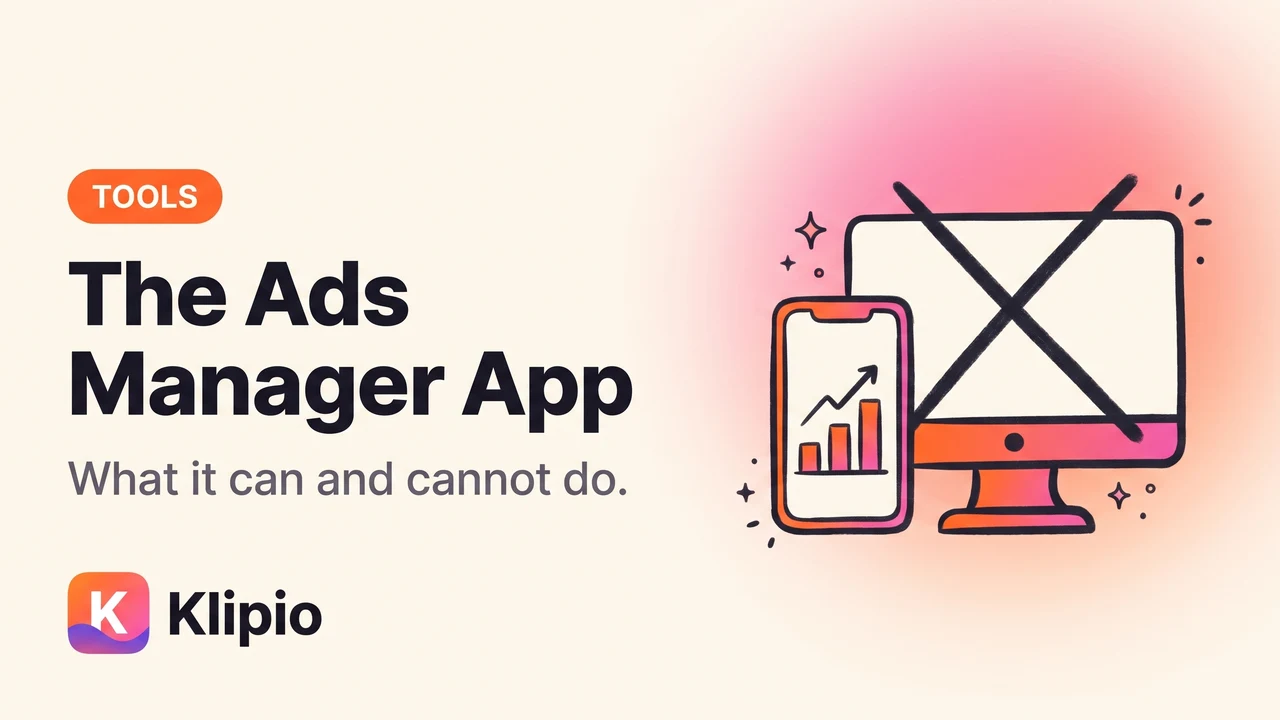
The Meta Ads Manager app is a free official app on the iOS App Store and Google Play, and it is built for monitoring campaigns and making quick edits rather than building them. Search for "Meta Ads Manager" by Meta Platforms in either store and install it — there is nothing to buy.
There is no desktop version. On a computer, Ads Manager is a website you open in a browser, which matters because "Ads Manager for PC" is one of the most searched and least real downloads in this space.
Is there a Facebook Ads Manager app for PC or Windows?
No, and this is worth being blunt about.
Meta does not publish a desktop application for Windows or macOS. On a computer you use adsmanager.facebook.com in Chrome, Edge, Safari or Firefox. That's the full product — everything the platform offers is in the browser version.
If you want a more app-like feel on desktop, install the Ads Manager site as a browser app: Chrome's "Install page as app" or Edge's "Install this site as an app" gives it a dedicated window and an icon, without installing anything from a third party. It's the same web page, wrapped.
What can you actually do in the mobile app?
More than people expect for maintenance, less than you'd want for building.
| Task | In the mobile app | In the browser |
|---|---|---|
| Check spend and results | Yes, quick and clear | Yes |
| Pause or resume a campaign | Yes | Yes |
| Change a budget or schedule | Yes | Yes |
| Get delivery and rejection notifications | Yes, this is the strongest feature | Not in real time |
| Boost a post | Yes | Yes |
| Build a full campaign structure | Possible but painful | Yes |
| Custom columns and detailed reporting | Limited | Yes |
| Build audiences, pixels, catalogues | No, largely not | Yes |
| Bulk edits across many ad sets | No | Yes |
The app's real job is notifications and the emergency pause. Knowing within minutes that an ad was rejected or that spend is running hot, and being able to switch something off from a phone, is genuinely useful. Trying to build a testing structure with your thumb is not.
What about the Meta Business Suite app?
Meta ships more than one mobile app that touches ads, and which one you get pushed toward varies by account and region.
The Business Suite app covers the wider business surface — Page and Instagram messages, posts, and some ad functions. The Ads Manager app is narrower and more ads-focused. There is real overlap, and Meta has moved features between them over time.
Practical approach: install whichever one your account actually opens into, and don't assume a tutorial written a year ago matches the app you have. If a feature you need isn't there, check the other app before concluding it doesn't exist.
Should I manage ads from my phone at all?
For checking, yes. For deciding, rarely.
Three things go wrong on mobile specifically:
Context is missing. A campaign at a 1.4 ROAS looks like a problem in isolation and fine next to last month. The small screen shows you the number without the neighbours, and the habit of reading the account as a whole is the one that matters — see how to read the Ads Manager dashboard.
Reacting too fast. Notifications reward quick action, and quick action on ad accounts is usually wrong. A campaign that spends 40% of budget with no purchase by noon is normal, not broken.
Column defaults. The metrics that decide anything — cost per result on your real conversion event, ROAS, hook rate — usually need a custom column setup that is hard to configure on mobile. Building that once in the browser is covered in custom columns in Meta Ads Manager.
Can I do competitor research from the app?
Not in the Ads Manager app, but you don't need it.
The Meta Ad Library is a public website that works in any phone browser at facebook.com/ads/library. No app, no account, no install. You can search an advertiser, filter by country, and scroll their live ads from a phone as easily as from a desktop.
That distinction confuses people regularly, so it's worth stating plainly: Ads Manager is for your ads, the Ad Library is for everyone's ads. They are separate products with separate purposes, compared side by side in Meta Ad Library vs Ads Manager.
What the phone browser doesn't do well is saving what you find. Mobile browsers make it awkward to keep original-quality video, and screenshots lose the copy and the start date that make an ad worth keeping. The practical routes for phone-based saving are in downloading Meta ads on your phone.
Installing it without picking up something else
Two rules cover it.
Install only from the official stores. The iOS App Store and Google Play listings show Meta Platforms as the developer. Sideloaded APKs of ad tools are a bad idea for the same reason as desktop installers — the account they access has a card attached.
Turn on two-factor authentication before you log in on a new device. An ad account is a payment instrument. Treat the login like a banking login, not like a social app.
If the app shows no ad accounts after installing, that is usually a permissions issue in Business Manager rather than an app fault. Check that your user has an assigned role on the ad account, on the browser version, then reopen the app.
FAQ
Is there a Meta Ads Manager app?
Yes. Meta publishes a free Ads Manager app for iOS and Android, listed under Meta Platforms in the App Store and Google Play. It focuses on monitoring performance, notifications, and quick edits like pausing campaigns or adjusting budgets.
Is there a Facebook Ads Manager app for PC?
No. Meta does not publish a Windows or macOS desktop application. On a computer, Ads Manager runs in a web browser at adsmanager.facebook.com. Any downloadable "Ads Manager for PC" installer is not from Meta and should not be trusted with an account that holds a payment method.
Can you create ads in the Ads Manager app?
You can, including boosting posts and building basic campaigns, but the flow is cramped and the audience, catalogue and reporting tools are limited. Most advertisers build in the browser and use the app for monitoring and quick edits.
What is the difference between the Ads Manager app and the Business Suite app?
The Ads Manager app is focused on advertising. The Business Suite app covers the wider business surface including Page and Instagram messaging and posting, with some ad functions included. Features have moved between them over time, so check both if something appears missing.
Is the Meta Ads Manager app free?
Yes. The app costs nothing to install and use. You only pay for the advertising itself, charged to the payment method on the ad account.
Can I browse the Meta Ad Library in the app?
No, but the Ad Library is a public website that works in any mobile browser at facebook.com/ads/library, with no app or account required. Saving what you find in original quality is easier on a desktop browser.
The Klipio extension adds a download button to every ad in the Meta Ad Library: one click per ad, or bulk-save a whole search as a ZIP with a searchable swipe file inside. Free, no sign-up.
Get the free Ad Library downloaderKlipio reads a competitor's live Meta ads, ranks them by how long they have been running — the honest signal that an ad is profitable — and turns the winning angle into on-brand creative for your own brand. 3-day free trial.
Start free — 3-day trial →