What Is a Swipe File? How Marketers Actually Use One
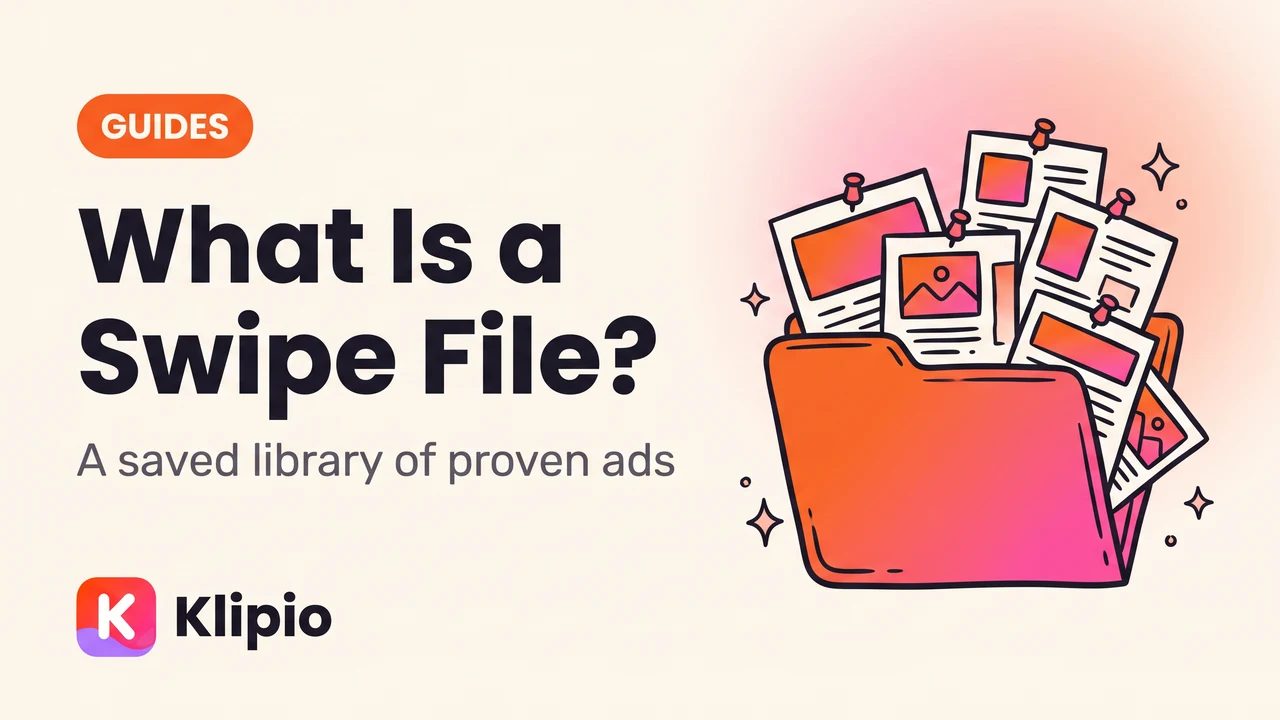
Short answer to what is a swipe file: a saved collection of ads, headlines, and copy that worked well enough to be worth remembering. Marketers keep one so they always have real, proven examples on hand instead of starting from a blank page every time they write a new ad.
Here's the part people get wrong: a swipe file is not a folder of things to copy word for word. It's a reference library you study for structure, then rebuild in your own voice.
What is a swipe file, exactly?
The term comes from old direct-mail copywriters, who literally kept a physical file of the best-performing letters and ads they'd ever seen. When they sat down to write, they'd pull the file, study what made a winning piece work, and apply the same bones to a new brief.
That habit carried straight into digital marketing. Today a swipe file is usually a folder, a spreadsheet, or a tool, but the job is identical. You save real examples of ads and copy that performed, tag them by what makes them work, and pull from them when you're stuck.
A good swipe file answers one question fast: "What's already been proven to work in this category?" That's the whole point. It shortcuts the guessing.
Swipe file meaning in marketing, not writing
The original swipe file was mostly headlines and sales letters. The swipe file meaning in marketing today is broader. Most marketers now keep three kinds of entries in one place.
- Copy swipes — headlines, hooks, and CTAs that grabbed attention.
- Creative swipes — the actual video, image, or carousel, not just a description of it.
- Structural swipes — the format itself: a before/after sequence, a UGC-style testimonial, a problem-agitate-solution script.
For ecommerce and DTC marketers specifically, the creative swipe matters most. A headline without the video around it tells you almost nothing about why an ad worked.
What is an ad swipe file for Meta ads specifically?
An ad swipe file, narrowed down to Meta, is a saved set of Facebook and Instagram ads pulled from the public Meta Ad Library. This is where most modern swipe files actually come from, because the Ad Library is the one place every advertiser's ads are visible by law.
The problem is that the Ad Library doesn't save anything for you. There's no download button, and once an advertiser pauses an ad, it's usually gone. If you spot a good ad and don't capture it that day, it may not be there tomorrow.
That's why building an ad swipe file usually means going through the Meta Ad Library regularly and capturing anything worth keeping, rather than relying on the library to remember it for you.
How do marketers actually use a swipe file?
In practice, a swipe file gets used at three specific moments in a media buyer's week, not as a passive archive nobody opens.
- 1Brief a new adPull 3-5 swipes with a similar angle
- 2Hit a creative slumpScan for a format you haven't tried
- 3Audit a competitorCompare it to past winners in the niche
The first use is briefing. Before writing a new script, most media buyers scan their swipe file for ads that solved a similar problem, then adapt the structure rather than starting from zero.
The second is creative fatigue. When your own ads have been running the same three hooks for months, a swipe file full of other formats you haven't tried yet is the fastest way out of a rut.
The third is competitive tracking. If a rival brand launches a new angle, checking it against your swipe file shows whether it's actually new or a repeat of something that already worked for them last year, covered in more depth in how to see any competitor's Facebook ads.
Manual screenshots vs. an organized swipe file
Not every way of building a swipe file gets you the same result. The method matters as much as the habit.
| Method | What you actually get | The catch |
|---|---|---|
| Screenshot the ad | A static image, no video, no source link | Loses carousels and video entirely; hard to search later |
| Bookmark the Ad Library link | Nothing saved, just a pointer | The ad disappears the moment it's paused |
| Free Meta Ad Library Downloader | Original HD video, images, and full carousels, plus a searchable index | Meta-only; no spend or engagement data (nobody outside Meta gets that) |
| Paid ad research tool (AdSpy, Foreplay, Minea) | A searchable database that grows automatically over time | Monthly cost, from roughly $49–149/mo depending on the tool |
The free download route and the paid database route solve the same core problem — ads vanishing — in different ways. One is a one-time capture, the other is an ongoing subscription that builds the archive for you.
What actually belongs in a good swipe file
Not every ad you see is worth saving. A swipe file that grows too fast becomes as useless as one that's empty, because nobody can find anything in it.
Save an ad when it hits at least one of these:
- It's been running a long time. Each Ad Library card shows "Started running on." Longevity is the closest thing to a public performance signal for normal ads — advertisers only keep paying for ads that convert.
- The hook is different from what you're already doing. A new opening line or visual pattern is more valuable than a tenth copy of the same angle.
- It's from a direct competitor or a brand in an adjacent category. Same audience, different offer, still useful.
- The format is one you haven't tried. UGC, side-by-side comparison, founder-to-camera, unboxing — each format has a different job.
Skip ads that are clearly early-stage tests, generic stock-photo creative, or a near-duplicate of five ads you've already saved.
Common mistakes that turn a swipe file into a dead folder
Most swipe files fail for the same handful of reasons, and none of them are about the tool you use.
The biggest one is no organization. A folder named "ad ideas" with 400 unlabeled screenshots is functionally the same as having no swipe file at all, because nobody will scroll through it under deadline.
The second is treating swipes as templates instead of references. Copying someone's exact script and just swapping the product name usually produces a flat, generic ad, since the original worked because it matched that brand's specific voice and offer.
The third is letting it go stale. A swipe file you built two years ago and never touched again is a snapshot of a market that's already moved on. Formats that worked in 2024 often read as dated now.
Is it legal to swipe ads from competitors?
Looking at, saving, and studying publicly visible ads for research is standard practice, and it's exactly what the Meta Ad Library was built for — full transparency into what any advertiser is running. The distinction that matters is between studying an angle and reusing someone else's actual creative.
Copying the strategy behind an ad — the offer structure, the hook style, the format — is normal competitive research. Re-using someone's exact video, image, or copy in your own paid ads is a different matter and can raise real copyright and trademark issues. This isn't legal advice; if you're unsure where a specific use falls, check with a lawyer.
FAQ
What does "swipe" mean in marketing?
"Swipe" means studying a proven ad or piece of copy and borrowing its structure for your own campaign, not copying it directly. The term dates back to direct-mail copywriters who kept physical files of winning letters to reference.
What is a swipe file used for?
A swipe file is used to speed up briefing and writing by giving you real, proven examples to study instead of starting from a blank page. Media buyers pull from it when writing new ad scripts, hitting creative fatigue, or checking whether a competitor's new ad is actually a new idea.
Is it OK to copy an ad from a competitor?
Studying and drawing inspiration from a public ad is normal research. Re-using the exact footage, image, or copy in your own paid ads is different and can raise copyright issues, so copy the angle, not the asset. This isn't legal advice — check with a lawyer if you're unsure.
How do I save an ad from the Meta Ad Library?
The Ad Library itself has no save or download button, so ads have to be captured before the advertiser pauses them. A free Chrome extension like the Klipio Meta Ad Library Downloader adds a download button to each ad in the library and can bulk-save an entire search into one organized file.
What's the difference between a swipe file and an ad spy tool?
A swipe file is the collection itself — the saved ads and copy you keep for reference. An ad spy tool is software that helps you find and search ads at scale, often across thousands of advertisers, and some tools export straight into a swipe file format; see the full comparison of ad spy tools for pricing.
How many ads should be in a swipe file?
There's no fixed number, but quality matters more than volume. A tightly organized file of 50 tagged, relevant ads is more useful than an unsorted pile of 2,000, since the goal is finding the right reference fast, not hoarding everything you've ever seen.
The short version
A swipe file is a saved, studied collection of ads that already worked, used for structure and ideas, never for exact copying. For Meta ads, that means capturing ads from the Facebook and Instagram Ad Library before they disappear, tagging them by angle, and reviewing them regularly.
Whether you build it by hand with screenshots, a free downloader, or a paid research tool, the file only earns its keep if you can find what you need when you're stuck. For a step-by-step build process, see how to build a Facebook ads swipe file that organizes itself.
The Klipio extension adds a download button to every ad in the Meta Ad Library: one click per ad, or bulk-save a whole search as a ZIP with a searchable swipe file inside. Free, no sign-up.
Get the free Ad Library downloaderKlipio reads a competitor's live Meta ads, ranks them by how long they have been running — the honest signal that an ad is profitable — and turns the winning angle into on-brand creative for your own brand. 3-day free trial.
Start free — 3-day trial →