Why Am I Seeing So Many Ads on Facebook?
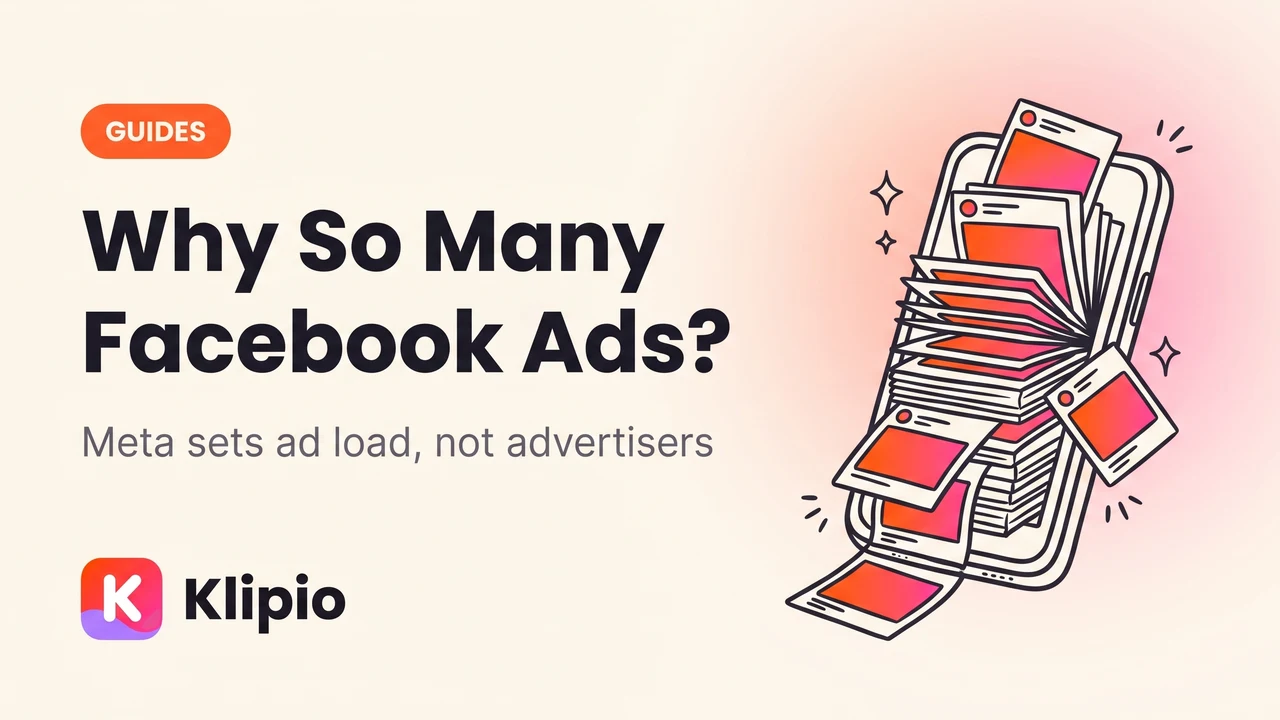
You're seeing more ads on Facebook because Meta decides how many ad slots go into your feed, and that number has crept upward for years as Meta squeezes more revenue out of the same number of users. It is not that more advertisers are targeting you personally. Ad load is a platform setting, not something the advertisers control.
That distinction matters, because most of the advice online tells you to block advertisers one by one. That will never work. The slot gets filled by someone else within seconds.
Here is what is actually happening in your feed, and the parts of it you can change.
How many ads does Facebook actually show?
Meta has never published a fixed number, and it moves. What is public is the direction: on every earnings call for years, Meta has reported growing ad impressions delivered, and management has repeatedly described ad load as a lever it can pull. Ads also arrive in more places than they used to. Feed, Stories, Reels, Marketplace, Search, and the in-app browser all carry them now, so even if the density in any one surface held steady, your total exposure would rise.
The practical version, from scrolling any normal account: an ad roughly every three to five posts in the main feed, and more in Reels, where ads sit between clips and are harder to skip past.
There is a second reason the count feels higher than it is. Organic reach from Pages has collapsed over the last decade. If you follow twenty brands and see almost nothing from them, the brand content still reaching you is paid. Your feed did not gain ads so much as it lost the free posts that used to sit between them.
Why does it feel like the ads are following me?
Because in the most literal sense, some of them are. Retargeting is the single biggest reason ads feel uncanny.
When you visit a shop, that shop's site usually loads Meta's pixel, a small piece of tracking code. The pixel tells Meta that this browser looked at that product. The shop then buys ads aimed at everyone in that bucket. You leave the site, open Facebook, and the sofa you looked at is right there. No conversation was overheard. A page load was recorded.
The other half is interest inference. Meta builds a profile from what you engage with, what Pages you follow, which Groups you're in, what you buy through Facebook, and what partner data it can match. Advertisers choose interests when they set up targeting, and Meta's automated targeting expands beyond them when it thinks it will get a cheaper result.
The "it heard me" cases are usually one of three things. You searched for it and forgot. Someone on your WiFi or in your household searched for it and Meta connects households. Or the ad was always in rotation and you only noticed it after the conversation made it salient. That last one is ordinary attention bias, and it is very strong.
If you want the real answer for a specific ad, Meta will tell you. Tap the three dots on any ad and choose "Why am I seeing this ad?". You get the actual reason: an interest category, an age and location range, a customer list the advertiser uploaded, or a visit to their website. It is the most useful and least used button on the platform.
Can I turn off Facebook ads completely?
Not on the free product. Ads are how Facebook is free, and there is no ad-free tier in most of the world.
The exception is the EU and UK, where regulators forced Meta to offer a paid subscription that removes ads, priced in the region of a few euros a month depending on country and whether you subscribe on the web or through an app store. Outside those markets, there is no version of Facebook you can pay to strip ads out of.
What you can change is how personalised they are, and that does reduce the creepiness even if the count stays the same:
- Ad Preferences (Settings → Accounts Centre → Ad preferences) lets you see the interest categories attached to you and remove them, and lets you see which advertisers uploaded a list with your details on it.
- "Off-Facebook activity" shows the sites and apps that sent Meta your activity, and lets you disconnect that history from your account.
- Ad topics lets you tell Meta to show you less about specific sensitive subjects.
- Hide ad on an individual ad trains the model slightly and removes that one creative. It does not remove the slot.
Turning personalisation down usually makes the ads worse and more repetitive rather than fewer, because Meta falls back on broad targeting. That trade is worth knowing before you flip everything off.
Why do I keep seeing the same ad over and over?
This is frequency, and it is an advertiser decision rather than a Meta one.
An advertiser with a small target audience and a real budget has nowhere to spend it except on the same people repeatedly. If a brand targets, say, women aged 25 to 34 in one city, that audience might only be a few hundred thousand people. Spend enough on it and everyone in it sees the ad many times a week.
From the advertiser's side this is a known problem: rising frequency drives up cost per result and burns the creative out. From your side it just feels like harassment by a mattress company. Both readings are correct.
Are the ads getting worse, or am I just noticing them?
Some of both, and there is a structural reason for the "worse" half.
Costs to reach people on Meta have risen for years, so more of the ads in rotation come from advertisers with thin margins who need volume: dropshippers, apps, low-cost gadgets, financial products. Automated ad delivery also means many advertisers no longer hand-pick who sees the ad, so mismatches are more common than they were in the era of careful manual targeting.
Meta also allows a very wide range of advertisers. Scam and low-quality ads are a persistent problem the company keeps saying it is fixing. Reporting them (three dots → Report ad) is the only lever a normal user has, and it does feed enforcement.
How can I see who is actually advertising to me?
Every ad running on Facebook and Instagram is public. Meta is required to publish them in the Meta Ad Library, a free, no-login database of every active ad from every advertiser worldwide.
Type any brand name and you'll see every ad they are currently running, with the date each one started. It is genuinely eye-opening the first time. A brand you assumed ran two ads is running two hundred, in a dozen variations, testing which hook works. If you want the tour, we wrote a full walkthrough in what the Meta Ad Library is and how to use it.
For anyone on the other side of this — running ads rather than receiving them — that same library is the most useful free research tool on the internet. You can read every competitor's live creative, see which ads have been running longest, and copy the strategy rather than the asset. The library has no download button and ads vanish when advertisers stop them, which is the problem our free extension, Klipio's Meta Ad Library Downloader, exists to fix: it adds a download button to every ad and can pack a whole search into one ZIP with a searchable index (disclosure: Klipio is our product, the extension is free and needs no account). The full workflow is in downloading Facebook Ad Library videos.
What should I actually do about it?
Ranked by how much difference it makes:
- Use "Why am I seeing this ad?" on the ones that bother you. Understanding the mechanism removes most of the discomfort.
- Clear off-Facebook activity and disconnect future activity. This is the single biggest cut to retargeting.
- Prune ad interests in Ad Preferences, especially the ones that are wrong or sensitive.
- Report the scams rather than just hiding them. Hiding helps you; reporting helps everyone.
- Accept the count. The number of slots is not yours to change. Only the relevance is.
And if the ads themselves have started to interest you professionally rather than annoy you, the Ad Library is where that curiosity goes next. Understanding how the Meta ad auction decides which ad wins your attention explains why the ones you see are the ones you see, and what CPM means and how advertisers lower it explains the economics driving the whole system.
FAQ
Why does Facebook show me so many ads?
Because Meta sets how many ad slots go into your feed and has increased that number over time, while organic posts from Pages reach fewer people than they used to. Advertisers bid for the slots but do not control how many exist. Roughly one ad every three to five posts is typical, and higher in Reels and Stories.
Can I turn off ads on Facebook?
Not in most countries. Facebook is funded by ads and there is no ad-free tier outside the EU and UK, where regulation forced Meta to offer a paid ad-free subscription. Everywhere else you can only change how personalised ads are, through Ad Preferences and off-Facebook activity settings.
Why do I see ads for something I just talked about?
Almost always retargeting or interest inference rather than audio. If you or someone in your household visited a related site, Meta's pixel recorded it and the advertiser bought ads aimed at that audience. Attention bias does the rest: the ad may have been in rotation for days and you only noticed it after the conversation.
How do I find out who is targeting me?
Tap the three dots on any ad and choose "Why am I seeing this ad?" for the specific targeting reason. To see everything a brand is running, search their name in the free Meta Ad Library at facebook.com/ads/library, which lists every active ad and the date each started.
Does clicking "hide ad" actually work?
It removes that specific creative and gives Meta a small negative signal about the topic, so it helps a little over time. It does not reduce the number of ad slots, so another ad fills the space immediately. Clearing off-Facebook activity and pruning ad interests changes what you see far more.
The Klipio extension adds a download button to every ad in the Meta Ad Library: one click per ad, or bulk-save a whole search as a ZIP with a searchable swipe file inside. Free, no sign-up.
Get the free Ad Library downloaderKlipio reads a competitor's live Meta ads, ranks them by how long they have been running — the honest signal that an ad is profitable — and turns the winning angle into on-brand creative for your own brand. 3-day free trial.
Start free — 3-day trial →