Facebook Catalog Ads: Examples and How They Work
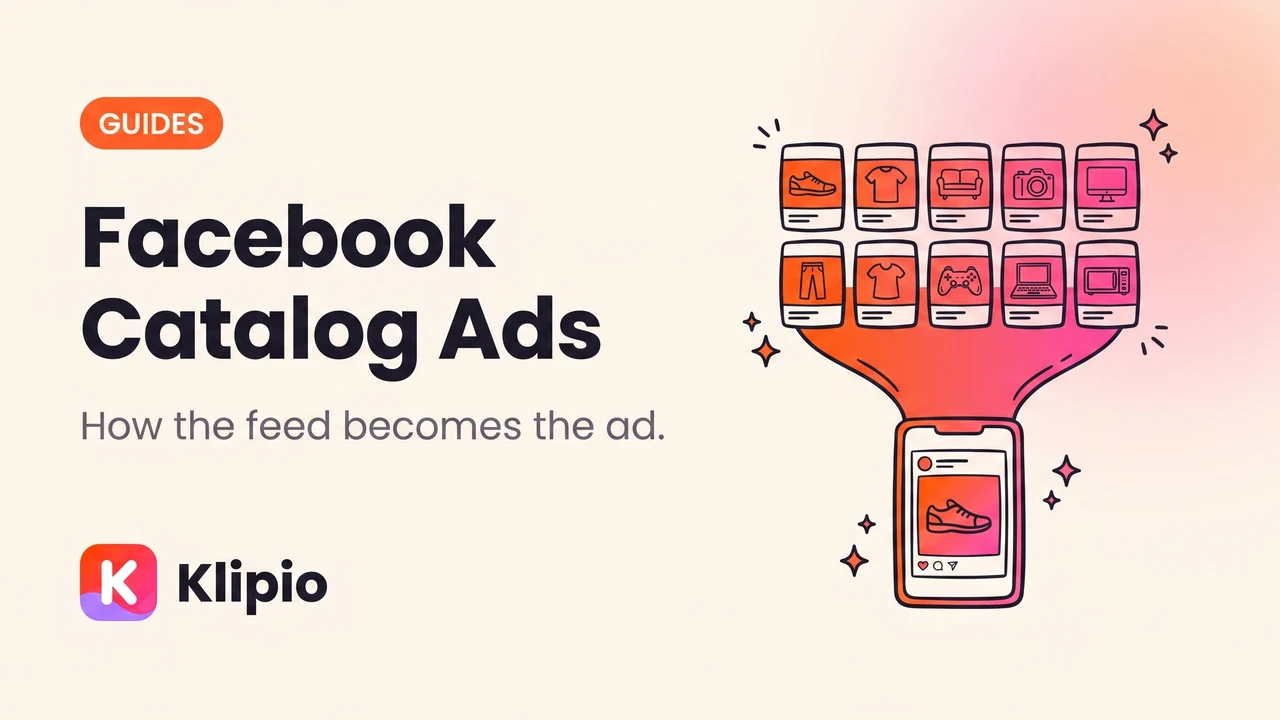
A Facebook catalog ad pulls products straight from your product feed and builds the creative automatically, so one ad can show a different product to every person. Instead of designing an ad per product, you design a template and let the feed fill it. That is why ecommerce brands with large ranges run them and why the ads look repetitive in the Ad Library.
Here is how each type works, what good ones look like, and the part that quietly decides performance.
What is a Facebook catalog ad?
It starts with a catalog: a structured feed of your products with an ID, title, description, price, availability, image and link for each one.
Once the catalog is connected and your pixel or conversions API is sending product events, Meta can assemble ads from it. The system picks which products to show each person based on what it predicts they'll buy — recently viewed items for a returning visitor, likely matches for someone new.
The creative is a template. Product image, price, name, sometimes an overlay, wrapped in your ad copy.
What are the main types, with examples?
Three shapes cover almost everything you'll see in the wild.
Retargeting catalog ads. The classic: someone viewed a product, left, and now sees that exact product with its price. Often a carousel of the viewed item plus related products. Copy is short and usually offer-led — free shipping, a discount, a reminder that the cart is still there.
Broad audience catalog ads. Same catalog, no site-visit requirement. Meta picks products for people who have never visited, based on its own signals. Used as a prospecting workhorse by ecommerce brands with wide ranges — fashion, homeware, marketplaces.
Collection ads with a catalog. A hero video or image on top, a grid of catalog products beneath, and a fast-loading Instant Experience when tapped. This is the format that looks most like a shop. Strong for apparel and anything visual.
| Type | Audience | What it looks like |
|---|---|---|
| Retargeting DPA | Site visitors, cart abandoners | The exact product they viewed, with price |
| Broad catalog | Cold and mixed | Rotating products from the range |
| Collection with catalog | Cold or warm | Hero creative on top, product grid below |
What separates a good catalog ad from a bad one?
The feed. Almost always the feed.
Since Meta assembles the creative from your product data, the feed is the creative. Four things decide how the ad looks.
Product images. Consistent framing and background across the range. A grid where every image is shot differently reads as chaos at thumbnail size. White-background packshots are safe; lifestyle shots convert better when they're consistent.
Titles. They appear in the ad. "Ribbed Cotton Crew Neck — Navy" works. "SKU-4471-NVY-M" does not, and it happens more than you'd think.
Price and availability accuracy. Wrong prices and out-of-stock products in ads waste money and annoy people. Feed sync frequency matters here.
Complete fields. Missing brand, category, or condition fields limit how well Meta can match products to people.
Two levers change the look beyond the feed itself. Overlays can stamp price, discount, or free-shipping badges onto product images automatically. Catalog product sets let you split the range so premium items don't sit next to clearance.
How do I find competitors' catalog ads?
The free Meta Ad Library at facebook.com/ads/library shows every ad any advertiser is currently running, catalog ads included.
Catalog ads are easy to spot. You'll see many near-identical ads from the same brand, differing only in the product shown, often flagged as multiple versions of one ad.
What you can read off them:
- Which product categories they're pushing, and which they aren't
- Whether they use overlays, and what the badges say
- Their copy template, which is fixed across all products
- The "Started running on" date, which tells you how long the template has survived
What you cannot see: which products were shown to whom, their spend, or their catalog structure. How to spy on Shopify competitors' Meta ads covers reading an ecommerce competitor's whole setup.
- 1Search the brandMeta Ad Library, no account needed
- 2Spot the repeatsMany near-identical ads = catalog ads
- 3Read the templateThe copy is fixed; only products change
- 4Check the overlaysPrice, discount and shipping badges
- 5Note the start dateLong-running templates are the tested ones
Ads disappear the moment they're paused, so save what you find. Our free extension, the Klipio Meta Ad Library downloader, adds a download button to every ad and packs a whole search into one ZIP with a CSV, including every card of a carousel. It's free with no account, and it's ours.
What usually breaks catalog ads?
Five failures, in rough order of frequency.
Feed and pixel mismatch. The product IDs your site sends in view-content and purchase events must match the IDs in the catalog. When they don't, retargeting silently stops working while everything looks fine in the interface.
Stale sync. Prices and stock updating once a day means a day of ads for sold-out products.
Everything in one product set. A single set spanning £8 accessories and £400 furniture gives Meta a confused signal and gives customers a confusing grid.
No creative variation at all. Catalog ads still have ad copy, and the copy is the only part you control. Many brands write it once and never test it.
Assuming it replaces creative work. Catalog ads are efficient at harvesting demand and weak at creating it. Most accounts need the persuasive stuff alongside — Facebook ad formats explained covers the alternatives.
How do catalog ads fit with Advantage+?
Closely. Advantage+ catalog ads are the current name for the format, and Advantage+ shopping campaigns often use catalogs as their creative source.
Practically, this means audience control keeps shrinking and feed quality keeps mattering more. Advantage+ explained covers what the system decides for you.
If you also run carousels manually, Facebook carousel ad examples shows what hand-built versions look like — worth comparing, since a hand-built carousel and a catalog carousel look similar and behave very differently.
FAQ
What is a Facebook catalog ad?
It's an ad built automatically from a product feed rather than designed one at a time. Meta pulls the product image, title, price and link from your catalog and shows different products to different people based on what it predicts they'll buy.
What's the difference between dynamic product ads and catalog ads?
They're the same mechanism under different names. Meta has rebranded the format from dynamic product ads to dynamic ads to Advantage+ catalog ads, so older guides describe the current product with older terminology.
Do catalog ads only work for retargeting?
No. They started as a retargeting format, but broad audience catalog ads serve people who have never visited your site, using Meta's own signals to pick products. Many ecommerce accounts run both, with retargeting harvesting existing demand and broad catalog prospecting for new.
Why do my catalog ads look bad?
Almost always the feed. Inconsistent product photography, SKU codes used as titles, missing fields and stale prices all show up directly in the ad, because the feed is the creative. Reviewing the catalog as a grid of images surfaces most of it immediately.
Can I see a competitor's catalog ads?
Yes. They appear in the free Meta Ad Library like any other ad, usually as many near-identical versions differing only by product. You can read their copy template, overlays and start dates, but not their catalog structure, spend or which products were shown to whom.
What is a collection ad?
A format with a hero image or video on top and a grid of catalog products underneath, opening into a fast-loading Instant Experience when tapped. It's a catalog ad with a stronger creative layer, and it suits visual categories like apparel and homeware.
The Klipio extension adds a download button to every ad in the Meta Ad Library: one click per ad, or bulk-save a whole search as a ZIP with a searchable swipe file inside. Free, no sign-up.
Get the free Ad Library downloaderKlipio reads a competitor's live Meta ads, ranks them by how long they have been running — the honest signal that an ad is profitable — and turns the winning angle into on-brand creative for your own brand. 3-day free trial.
Start free — 3-day trial →