Why Your Saved Ad Videos Look Blurry (and the HD Fix)
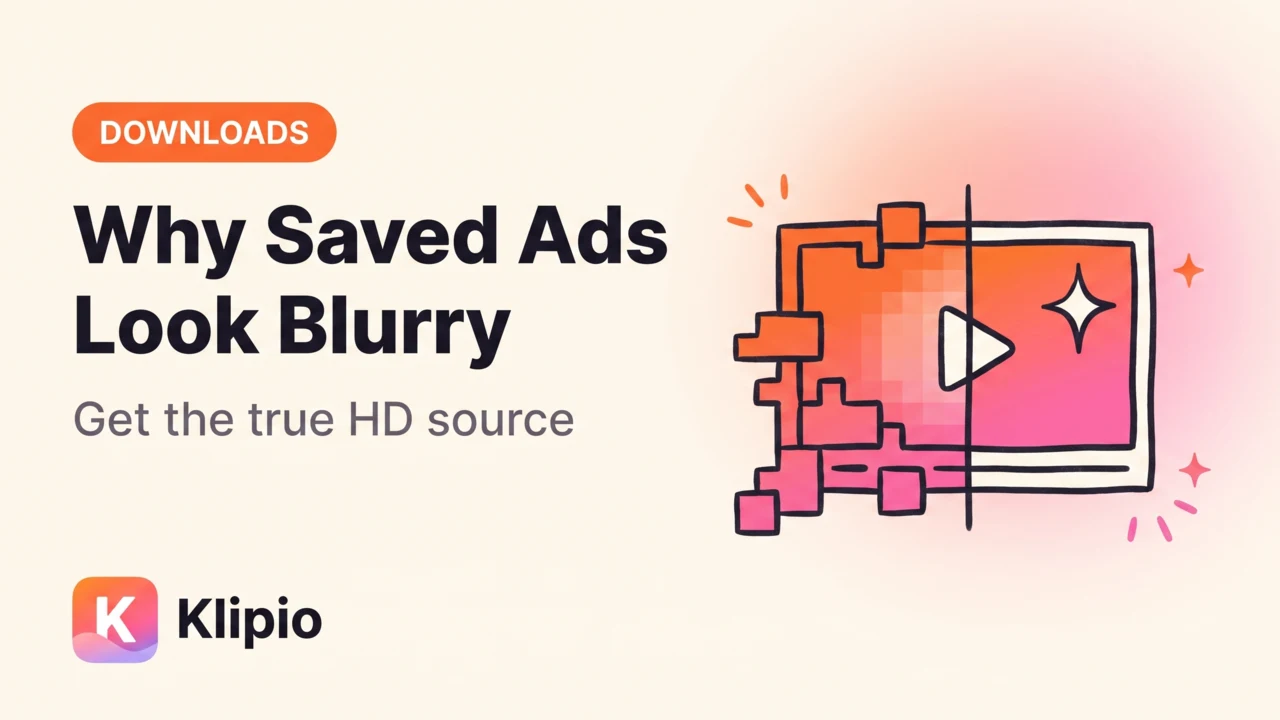
Your saved ad videos look blurry because the Meta Ad Library page plays a compressed preview rendition, and that preview is what right-click tricks and screen recordings capture. The fix for real meta ad library video quality (true HD) is to pull the original source file that Meta stores behind the player — which a proper downloader does, and a screen recorder never can.
Here's what's actually happening under the hood, and the workflow that gets you the file the advertiser uploaded.
Why is the ad library video blurry in the first place?
When a brand uploads a video ad, Meta doesn't serve that one file to everyone. It transcodes the upload into multiple renditions — different resolutions and bitrates of the same video — and picks one per viewer based on connection, device, and context.
The Ad Library is a low-priority context. It's a research page, not the feed, so the player routinely starts on a small, heavily compressed rendition and often stays there. The video that looks crisp when it hits your Instagram feed can look soft and blocky on its Ad Library card, even though both come from the exact same HD source file.
So the blur is not in the ad. It's in which copy of the ad the page chose to show you.
Why do right-click and screen recording get the blurry one?
Because both methods can only capture what the player is currently showing.
A screen recording is a copy of your screen, so it inherits everything: the preview rendition's compression, your display's scaling, and then a second round of compression when the recording itself is encoded. You start from a degraded copy and degrade it again. I compared the two approaches side by side in screen recording vs downloading ads, and the recording loses every time — it also picks up stutter, UI chrome, and no clean audio track.
Grabbing the video URL by hand from the browser's Network tab has the same trap in a subtler form. The player requests the rendition it's playing, so the URL you see in devtools is usually the preview stream, often split into fragments. It's doable — the full method is in downloading ads with devtools — but you have to know which of several URLs is the source file, and pick wrong and you've carefully saved the blurry one.
Capturing the player means capturing the preview. The HD file is somewhere else.
Where does the HD source actually live?
In the page's data, not in the player.
Every ad card in the Ad Library is backed by structured data Meta sends to your browser: the ad text, the start date, and the media URLs — including the high-definition source rendition of each video. The player just doesn't use it by default.
That's the whole trick behind a real downloader. Instead of recording pixels, it reads the ad's data, finds the URL of the source-quality file, and fetches that file directly. You get the actual MP4 the CDN stores at full resolution, with its original audio track, no watermark, no re-encode.
This is what our Meta Ad Library Downloader does (disclosed: we built it; it's a free Chrome extension, no account or sign-up). It adds a Download button to every ad in facebook.com/ads/library, and the button pulls the HD source rendition — everything runs in your own browser on your own connection. The single-ad walkthrough lives in how to download Facebook Ad Library videos if you want the step-by-step.
How do the capture methods compare on quality?
| Method | What it captures | Typical quality | Audio | Effort per ad |
|---|---|---|---|---|
| Screen recording | The playing preview, re-encoded | Worst: double compression | System audio, with any stutter | Medium |
| Right-click / page tricks | Nothing — the player blocks saving | n/a | n/a | Dead end |
| Devtools Network tab | Whichever stream the player requested | Preview unless you find the right URL | Sometimes a separate track | High |
| Downloader extension | The HD source rendition from the ad's data | Original upload quality | Original track | One click |
If you'd rather use a paid spy tool, that's a fair route too — tools like Foreplay (from $59/mo) or AdSpy ($149/mo) save creatives into their own databases alongside other research features. For pure HD downloading of public Ad Library ads, a free extension covers it.
What else should you know before saving in HD?
Save the day you find the ad. The Ad Library only shows currently running ads. When the advertiser pauses the campaign, the card disappears — preview, source file, and all. If a creative is worth studying, it's worth capturing now. For a whole competitor's account, the bulk ZIP workflow grabs every running ad in one pass, videos in HD included.
Some uploads are just soft. HD download means you get exactly what the advertiser uploaded. Plenty of UGC-style ads are shot on phones, cropped from other formats, or deliberately lo-fi. If the source file is 720p and grainy, that IS the ad. The downloader removes Meta's preview compression, not the creator's choices.
If the download itself fails, that's usually a different problem — carousels, expired page state, or the library's own quirks. The fixes are in why the Ad Library won't download (and what to do).
FAQ
Why are videos from the Facebook Ad Library blurry?
Because the Ad Library player serves a compressed preview rendition of each video, not the HD file the advertiser uploaded. Meta transcodes every upload into multiple quality levels, and the research page defaults to a small one. The HD source exists — the page just doesn't play it.
How do I download Facebook Ad Library videos in HD?
Use a downloader that reads the ad's underlying data instead of capturing the player. Klipio's free Meta Ad Library Downloader extension adds a Download button to every ad and fetches the source-quality MP4 directly, with original audio and no watermark. Manual devtools extraction can also work, but you have to identify the source URL among several preview streams.
Does screen recording an ad reduce quality?
Yes, twice over. The recording starts from the compressed preview the player is showing, then the recording software compresses that again when it encodes the file. You also inherit playback stutter and lose the clean audio track. A direct download of the source file skips both losses.
Can I get the original file the advertiser uploaded?
You get Meta's source-quality rendition of it — the highest version the CDN stores, typically the upload's full resolution (720p or 1080p). If that file still looks soft, the advertiser uploaded it that way; no tool can add detail that was never in the source.
The Klipio extension adds a download button to every ad in the Meta Ad Library: one click per ad, or bulk-save a whole search as a ZIP with a searchable swipe file inside. Free, no sign-up.
Get the free Ad Library downloaderKlipio reads a competitor's live Meta ads, ranks them by how long they have been running — the honest signal that an ad is profitable — and turns the winning angle into on-brand creative for your own brand. 3-day free trial.
Start free — 3-day trial →