How to Get a Still Frame From a Facebook Video Ad
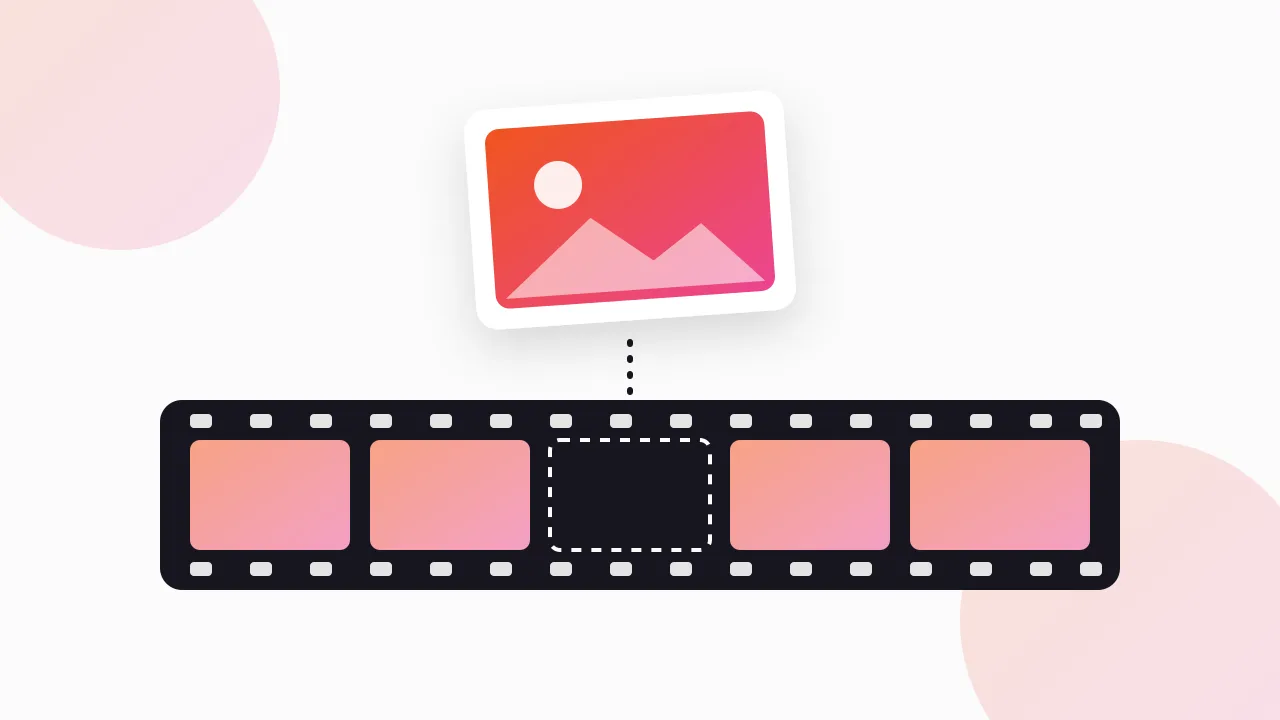
To get a still frame from a Facebook video ad, download the ad's MP4 first, then pause it in a video player and save the frame at full resolution, either with VLC's Take Snapshot, QuickTime plus Preview on a Mac, or a one-line ffmpeg command. Screenshotting the ad while it plays in the Ad Library works in a pinch, but you get a smaller, compressed frame with player controls in the way.
I pull frames from competitor ads most weeks, mostly for briefs and storyboards. Here is the order I try things in, and why the download step matters more than the screenshot tool.
Why would you want still frames from a video ad?
A video ad is hard to discuss in a meeting. Frames make it concrete. The jobs I use them for:
- Storyboards. Laying out an ad shot by shot shows its structure: hook, problem, demo, proof, offer, CTA. We cover the full method in how to storyboard a competitor's Facebook ad.
- Creative briefs. A designer or editor understands "open like frame 1, but with our product" faster than a paragraph of description.
- Hook analysis. The first frame and the first two or three seconds do most of the stopping work. Putting the opening frames of ten competitor ads side by side shows patterns quickly. Our guide to finding hooks in competitor ads goes further.
- Thumbnail checks. In autoplay-off situations, the first frame or thumbnail is what people see. It is worth knowing what rivals lead with.
- Client decks. A clean frame in a slide looks far better than a cropped phone screenshot with a progress bar across it.
Why not just screenshot the ad in the Ad Library?
You can, and for a quick Slack message it is fine. For anything you will print, zoom into or put in a deck, it falls short.
The Ad Library player shows the video inside a small card. Unless you expand it, your screenshot captures the video at whatever size it is displayed on screen, which is often far smaller than the file itself. You also get the play button, the progress bar, the sound icon and sometimes a hover overlay sitting on the image.
Timing is the other problem. Pausing on the exact frame you want with a mouse is fiddly, and streaming players sometimes show a softer frame while they buffer. A downloaded file in a desktop player lets you step through frame by frame.
We compared these two approaches in depth in screen recording vs downloading ads, and why the Library's own player can look softer than the file is covered in Meta Ad Library video quality.
Step 1: How do I get the video file?
Everything below starts with an MP4 on your computer. There are a few ways to get it.
Your own ads can be downloaded from your ad account or from the original files your team uploaded. That is the best possible source, since it is the master file.
Competitor ads come from the Meta Ad Library at facebook.com/ads/library, which is free and shows every active ad from any advertiser. It has no download button, so you need a method. Our main guide on how to download Facebook Ad Library videos compares them all.
How I do this: I use our free extension, the Meta Ad Library Downloader, which adds a Download button to each ad in the Library and saves the video in original HD with no watermark. When I am storyboarding a whole competitor, I use its "Find all ads" mode to grab every running video in one ZIP, then pull frames from the ones that have been running longest.
Step 2: What is the simplest way to grab a frame?
Once you have the file, the simplest method on any computer is to open it full screen, pause on the moment you want and take a normal screenshot.
That already beats screenshotting the Ad Library, because the video fills the screen at its own resolution and nothing is buffering. Two tips: hide the player controls before you capture (most players fade them out after a second or two of no mouse movement), and use the arrow keys or frame-step shortcut in your player to land on the exact frame.
The catch is that a screenshot is limited to your screen size and captures whatever is on screen. If the video is vertical and your monitor is landscape, you get black bars at the sides. The next methods save the actual frame instead.
How do I save a frame with VLC?
VLC is a free media player for Mac, Windows and Linux, and it is my default for this.
- Open the MP4 in VLC.
- Pause on the frame you want. Use the frame-by-frame option in the Playback menu, or its keyboard shortcut, to step forward one frame at a time.
- Choose Video > Take Snapshot.
VLC saves the frame as an image at the video's own resolution, with no controls or black bars. By default snapshots go to your Pictures folder, and you can change the folder and file format in VLC's preferences. The exact menu wording can differ slightly between versions, so check your build if you cannot find it.
How do I do it on a Mac without extra software?
QuickTime Player and Preview are built into macOS and together they do the job.
- Open the MP4 in QuickTime Player and pause on the frame. The left and right arrow keys step one frame at a time when the video is paused.
- Choose Edit > Copy. This copies the current frame to the clipboard.
- Open Preview and choose File > New from Clipboard.
- Save or export the image as PNG or JPEG.
The frame comes out at the video's resolution. It is a few more clicks than VLC, but you do not need to install anything.
On Windows, VLC is the easiest free route. A full-screen screenshot of the paused video with the Snipping Tool also works if you cannot install software, with the screen-size limits mentioned above.
How do I extract frames with ffmpeg?
If you need more than a couple of frames, ffmpeg is faster than clicking. It is a free command-line tool for Mac, Windows and Linux.
One frame at a timestamp. This saves the frame at 3 seconds:
ffmpeg -ss 00:00:03 -i ad.mp4 -frames:v 1 frame-3s.pngOne frame per second. Good for a quick overview of a 30-second ad:
mkdir frames
ffmpeg -i ad.mp4 -vf fps=1 frames/frame_%03d.png
You get frame_001.png, frame_002.png and so on, one per second. For the first three seconds, where hooks live, you might want more detail. Change fps=1 to fps=4 and run it on a trimmed section, or just scrub the opening in VLC.
The very first frame. Useful for comparing openings across many ads:
ffmpeg -i ad.mp4 -frames:v 1 first-frame.pngPNG keeps every pixel. If file size matters more, change the extension to .jpg.
How do I turn frames into a storyboard or contact sheet?
A contact sheet is one image with a grid of frames, read left to right, top to bottom. It is the fastest way to see an ad's whole structure at a glance.
ffmpeg can build one directly:
ffmpeg -i ad.mp4 -vf "fps=1,scale=360:-1,tile=5x6" -frames:v 1 contact-sheet.pngThis takes one frame per second, shrinks each to 360 pixels wide, and lays out up to 30 frames in a 5 by 6 grid. Adjust the tile numbers to fit the ad length. For a 15-second ad, tile=5x3 is enough.
If you prefer to work visually, drop the frames from the one-per-second command into Figma, Google Slides or Canva and arrange them in rows. That route is slower but lets you add notes under each frame: what is said, what text is on screen, and what job that shot is doing.
Can I use these frames in my own ads?
Use them to study, not to copy. Pulling frames from public ads to analyse hooks, pacing and structure is standard practice in performance marketing, and the Ad Library exists so the public can see these ads. Putting another brand's frames, footage or product shots into your own ads is a different matter and can create real problems.
Copy the angle, not the asset. Brief your own shoot or edit from what you learned. This is general guidance, not legal advice.
FAQ
Why are my screenshots of Facebook video ads blurry?
Usually because you captured the video at the small size it is displayed in the Ad Library or feed, sometimes while it was still buffering. Download the MP4 and grab the frame from the file instead, which keeps the video's full resolution.
How do I take a snapshot in VLC?
Open the video, pause on the frame you want, then choose Video > Take Snapshot. VLC saves the frame at the video's resolution, by default to your Pictures folder, and you can change the location in preferences.
How do I extract one frame per second from an ad video?
With ffmpeg, run ffmpeg -i ad.mp4 -vf fps=1 frames/frame_%03d.png after creating a frames folder. You get one numbered image for every second of the ad.
How do I make a contact sheet from a video ad?
Use ffmpeg's tile filter, for example ffmpeg -i ad.mp4 -vf "fps=1,scale=360:-1,tile=5x6" -frames:v 1 contact-sheet.png. It places one frame per second into a single grid image you can drop into a brief or deck.
Can I use frames from a competitor's ad in my own creative?
No, treat them as research material only. Study the hook, structure and pacing, then make your own version with your own footage. This is not legal advice.
The Klipio extension adds a download button to every ad in the Meta Ad Library: one click per ad, or bulk-save a whole search as a ZIP with a searchable swipe file inside. Free, no sign-up.
Get the free Ad Library downloaderKlipio reads a competitor's live Meta ads, ranks them by how long they have been running — the honest signal that an ad is profitable — and turns the winning angle into on-brand creative for your own brand. 3-day free trial.
Start free — 3-day trial →