How to Transcribe Facebook Video Ads (Script + Text)
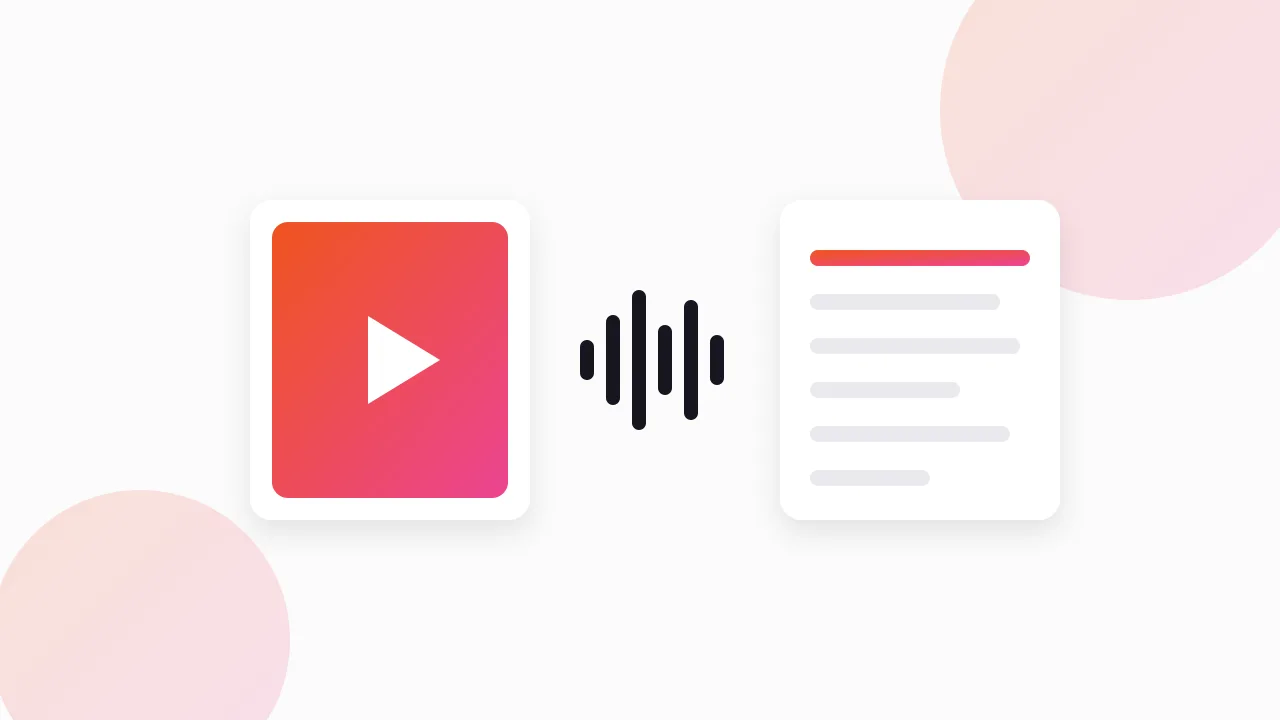
Here is how to transcribe Facebook video ads: download the video from the Meta Ad Library first, then run that file through a speech-to-text tool to get the spoken words. After that, you add the on-screen text by hand and break the full script into hook, problem, proof, offer and CTA, so you can see how the ad is built.
Below is the exact workflow I use when I want a competitor's script on paper, plus where it goes wrong.
Can you get a transcript straight from the Ad Library?
No. The Meta Ad Library at facebook.com/ads/library shows every active Facebook and Instagram ad for free, but it has no transcript, no caption export and no download button.
What you can copy from the library is the primary text, the headline and the link description. That is the written copy around the video, not what is said inside it. If you only need that part, our guide on copying ad text from the Facebook Ad Library covers it.
For the spoken script, you need the video file on your own machine. The download comes first, the transcript second.
How to transcribe Facebook video ads: what is step one?
You have a few options, from manual to one click:
- Screen recording. Works on anything, but you lose quality and pick up overlays.
- Browser devtools. Find the video request in the network tab and save it. Free, fiddly.
- A download extension. Adds a button to each ad card in the library.
Each method is compared in our walkthrough on downloading Facebook Ad Library videos. For transcription, any of them works, since speech-to-text cares about the audio, not the resolution.
If you plan to transcribe a whole competitor at once, I use our free extension, the Meta Ad Library downloader. It can collect every running ad from a search into one ZIP, with files named by advertiser and date, which makes batch transcription much tidier.
Which transcription tools work on ad videos?
You do not need a specialist tool. Most of what you need already sits on your phone or computer, or in apps you may already use.
| Option | How it works | Good for | Watch out for |
|---|---|---|---|
| Built-in live captions | Your phone or computer captions audio as it plays | One or two ads, zero setup | You copy text out manually; timing is lost |
| Dictation-style workaround | Play the ad aloud while dictation listens | A quick rough draft | Room noise, music and accents hurt accuracy |
| Speech-to-text apps with file upload | Upload the video or audio, get a text file back | Batches of ads | Check privacy terms before uploading files |
| Video editors with auto-captions | Drop the clip on a timeline, generate captions | Seeing words against timestamps | More clicks per ad |
| Open-source speech models on your computer | Run locally on downloaded files | Large batches, full privacy | Needs some technical setup |
My default is any tool that accepts a file and returns text with timestamps. Timestamps matter more than people expect, because the timing of a line tells you as much as the line itself. A claim at second 2 does a different job than the same claim at second 20.
How do you capture on-screen text?
This is the step most people skip, and it is often the biggest part of the script.
A lot of Facebook and Instagram video ads are built for people watching with the sound off. The hook is a bold text overlay. The proof is a review screenshot. The offer is a price card. None of that shows up in a speech-to-text file.
Here is how I handle it:
- Play the ad at normal speed once, without pausing, to feel the pacing.
- Play it again and pause at every new text overlay.
- Type each overlay into the transcript at the right timestamp, marked as [TEXT].
- Note anything visual that carries meaning, like a before-and-after or a product demo, marked as [VISUAL].
Some phones and computers can copy text straight from a paused frame or a screenshot. That saves typing on long overlays, but always check the result against the frame.
How do you break the script into hook, problem, proof, offer and CTA?
A raw transcript is a wall of words. The value comes from labelling each line by the job it does.
I use a simple sheet with one row per beat:
| Beat | What to look for | Example of what you might log |
|---|---|---|
| Hook | First 1 to 3 seconds, spoken or written | A bold claim, a question, a pattern interrupt |
| Problem | The pain or frustration named | "Tired of..." style setup, a relatable moment |
| Proof | Why you should believe it | Reviews, demo, numbers, founder story, UGC |
| Offer | What you get and on what terms | Bundle, discount, guarantee, free shipping |
| CTA | The exact ask | "Shop now", "Try it", urgency line |
Log the timestamp where each beat starts. After five or six ads from the same brand, patterns jump out. Maybe their hook always lands in the first second, or proof always comes before the product appears.
Not every ad has all five beats. UGC-style ads often skip a formal offer, and brand ads may have no clear problem. A missing beat is a finding too, so write it down.
For the hook beat specifically, our guide on pulling hooks from competitor ads goes deeper on the patterns that repeat.
Which ads are worth transcribing?
Transcribing takes time, so spend it on ads that are likely to be working.
The best signal the library gives you is the "Started running on" date. Advertisers keep paying only for ads that perform, so a video that has run for weeks or months is usually a winner. A video that launched yesterday tells you what they are testing, not what works.
My filter:
- Long runners first. Ads active for several weeks or more.
- Multiple versions. If the same script appears with several variations, it is probably a core ad.
- Your format. If you make UGC, transcribe UGC. If you make founder-led videos, transcribe those.
Five well-chosen transcripts teach more than fifty random ones.
What do you do with the transcript once you have it?
Transcripts are research inputs, not drafts. I use them in three ways.
Spot the structure. Line up five transcripts from one competitor and compare where each beat starts. You will see their formula: hook length, how long before the product appears, how they stack proof.
Find the angle. The angle is the reason to buy the ad is selling: saving time, looking better, avoiding a mistake. Two ads with different words often share one angle. Our post on analyzing competitor ad copy shows how to name angles clearly.
Find the gaps. If every competitor leads with price and nobody leads with proof, that is an opening for you.
Then write your own script from your own product, customers and reviews, using the structure you learned.
How long does this take per ad?
Once you have a routine, a 30-second ad takes a few minutes: download, transcribe, add overlays, label beats. The overlay step is usually the slowest part, since it needs a human.
Batching helps. Download every long-running video from one competitor, transcribe them in one go, then do all the overlay and labelling work in a single sitting. You will start noticing patterns by the third or fourth ad.
FAQ
Can you get a transcript straight from the Meta Ad Library?
No. The library shows the video and the written ad copy, but it offers no transcript, caption export or download button. You need to download the video first and then run it through a speech-to-text tool.
What is the easiest free way to transcribe a Facebook video ad?
Download the video, then use a built-in live captions feature or a speech-to-text tool that accepts file uploads. For one or two ads, built-in captions are enough. For batches, a tool that returns a text or subtitle file with timestamps saves a lot of time.
How do you capture on-screen text from a video ad?
Pause the video at each new text overlay and type it into your transcript with the timestamp. Some phones and computers can copy text from a paused frame or screenshot, which speeds this up, but check every line against the frame.
How accurate is automatic transcription for ads?
Clear voiceovers usually transcribe well. Background music, fast talking, accents and brand names cause most errors. Always read the transcript while replaying the ad and fix product names and numbers by hand.
Is it okay to reuse a competitor's ad script?
Use it to study structure, timing and angle, not to copy words. Rewriting a competitor's script line for line, or reusing their footage, can create copyright and trademark issues and rarely works as well as a script built from your own customers. This is not legal advice.
The Klipio extension adds a download button to every ad in the Meta Ad Library: one click per ad, or bulk-save a whole search as a ZIP with a searchable swipe file inside. Free, no sign-up.
Get the free Ad Library downloaderKlipio reads a competitor's live Meta ads, ranks them by how long they have been running — the honest signal that an ad is profitable — and turns the winning angle into on-brand creative for your own brand. 3-day free trial.
Start free — 3-day trial →