Why Can't I Download a Video From Facebook? 8 Reasons
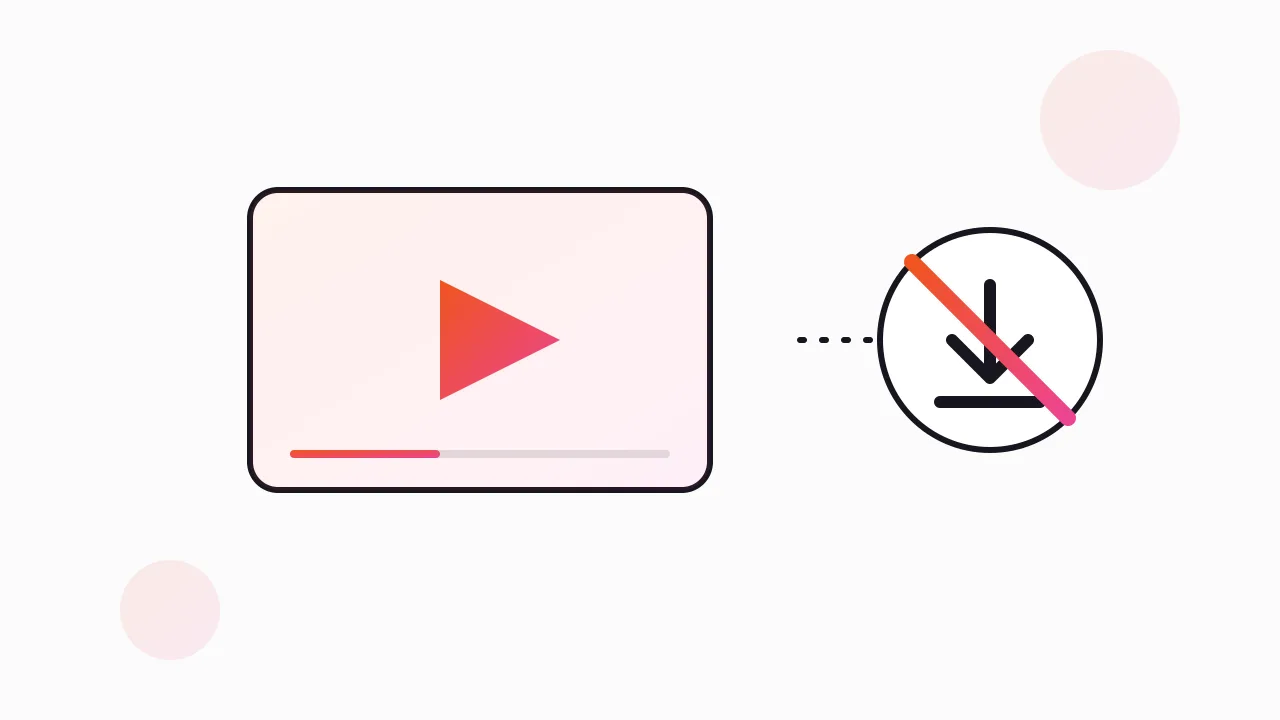
You can't download most Facebook videos because Facebook never offers a download in the first place: the Save button only bookmarks the video inside your account, and the file itself is streamed in pieces rather than served as one link. On top of that, privacy settings, copyright blocks, region limits, expiring links and outdated downloader tools each break the process in their own way.
I run ads for a living, so I save a lot of video. Most of the time "it won't download" turns out to be one of eight specific causes, and once you know which one you are hitting, the fix is usually obvious. Here they are, in the order I check them.
Why does Facebook let me save a video but not download it?
This is the most common confusion, and it is not your fault. On a normal Facebook video, the three-dot menu shows "Save video". That sounds like a download. It isn't.
Saving adds the video to your Saved list inside Facebook. Nothing lands in your Downloads folder, nothing goes to your camera roll, and if the person who posted it deletes it, your saved copy disappears with it.
Facebook does let you download videos you uploaded yourself, and it lets you export your own data through its account tools. For everyone else's videos, there is no official download button. Meta wants you watching inside the app, and the people who posted the video have rights to it.
Why won't private, friends-only or group videos download?
Most online "Facebook video downloader" sites work by visiting the link you paste. They visit it as a stranger, logged out. If the video is set to Friends, Only me, or posted inside a private group, that stranger sees a login wall or an error, and the tool reports "video not found" or just spins.
Your browser can see the video because you are logged in and you are allowed to. The tool is not you.
This is also where I would stop and think. A friends-only or private-group video was shared with a limited audience on purpose. Pulling it out of that circle is a privacy question before it is a technical one. If you really need a copy, ask the person who posted it to send you the original. It will be better quality anyway.
Why does my downloaded Facebook video have no sound, or not play?
This one catches people who got past the first hurdle. You found a tool, it gave you a file, and the file is silent, or it is audio with a black screen, or it won't open at all.
The reason is how Facebook delivers video. Like most large video platforms, it uses adaptive streaming. The picture and the sound travel as separate streams, and the picture is often offered in several quality levels so the player can switch as your connection changes. The player stitches them together on screen while you watch.
A naive downloader grabs one stream and calls it done. You get the video track with no audio, or a low-resolution version, or a fragment that your media player can't read. Better tools fetch both tracks and merge them. If you have ffmpeg and both files, you can merge them yourself; our guide to extracting audio from a Facebook ad shows the ffmpeg basics for working with these tracks.
Could copyright be the reason the video won't download?
Yes, sometimes directly and sometimes indirectly. Music videos, sports clips, TV segments and some licensed creator content are protected more aggressively. Rights holders file takedowns, Facebook mutes or removes audio that matches copyrighted music, and some downloader sites deliberately refuse links from certain sources to avoid legal trouble.
There is also the plain question of whether you should. A video posted publicly is still owned by the person or company who made it. Watching it is fine. Keeping a personal copy of something you have permission for is usually fine. Re-uploading it, cutting it into your own content, or running it in an ad is a different thing.
I only download what I made, what I have permission to use, or what I am saving for research. If you work in marketing, our post on whether it's legal to download Facebook ads covers the research side in more depth. This is not legal advice.
Can region limits or expired links stop a Facebook download?
Both happen more than people expect.
Region limits. Some pages and videos are restricted to certain countries. If the video is geo-blocked where the download tool's server sits, the tool gets nothing, even though it plays fine for you. The reverse also happens: you are travelling, and a video your friends can see won't load for you at all.
Expired links. The direct video address that Facebook hands your browser is temporary. It is signed and set to expire after a while. If you copied that address from your browser's developer tools yesterday and paste it today, you will get an error page instead of a video. The fix is boring: reload the post and grab a fresh address, then download straight away.
Deleted videos belong here too. If the post was removed, no tool can recover it.
Why did my Facebook video downloader extension stop working?
Browser extensions break for three reasons I see over and over.
- Facebook changed its page. Downloader extensions read the page's structure to find the video. When Facebook ships a redesign, extensions that are not actively maintained stop finding anything.
- The extension was removed or disabled. Chrome disables extensions that break store policy, and some generic "download any video" extensions get pulled. If the button vanished overnight, check chrome://extensions.
- Something else is blocking it. Ad blockers, privacy extensions, a work browser policy, or an outdated browser can all stop an extension from running on facebook.com.
Before blaming the extension, try an updated browser with other extensions turned off. If it works there, one of your other extensions is the problem.
If you want to avoid installing anything at all, our guide to downloading a Facebook video without an app covers the browser-only routes, including the DevTools method and link-paste sites, with their trade-offs.
Why can't I download a video ad from the Meta Ad Library?
This is a separate case, and it is the one I deal with most. If the video you want is an ad, and you are looking at it in the Meta Ad Library at facebook.com/ads/library, the cause is simple: the Library has no download button by design.
The Ad Library is a transparency tool. It shows every active ad from any advertiser, along with a "Started running on" date, so anyone can see what a brand is running. It was built for looking, not keeping. Ads also vanish from public view the moment the advertiser stops them, which is why I save anything useful the day I find it. Our explainer on why ads disappear from the Ad Library goes into that.
Here is how I do it. I use our free extension, the Meta Ad Library Downloader, which adds a Download button to every ad in the Library. One click saves the video in original HD with no watermark, images as they are, and full carousels with every card. For a whole competitor, its "Find all ads" mode scrolls the search and packs everything into one ZIP with a searchable swipe board and a CSV. It is free, needs no account, and runs on your own connection.
Other routes exist. Screen recording always works but gives you a re-encoded copy at screen quality. DevTools sometimes works if you can find the right stream. Our post on Facebook Ad Library not downloading compares the three methods side by side, and the full guide to downloading Ad Library videos has the step-by-step setup.
Which fix matches which problem?
Here is the quick version I use when someone sends me a "this won't download" message.
| What you see | Likely cause | What to do |
|---|---|---|
| Only "Save video" in the menu | Facebook has no download for other people's videos | Ask the owner for the file, or use a browser method if you have the right to a copy |
| Tool says "video not found" | Video is private, friends-only or in a group | Ask the poster directly; outside tools can't see it |
| File has no sound or won't play | Tool grabbed one stream, not both | Use a tool that merges audio and video, or merge with ffmpeg |
| Download blocked or audio muted | Copyright protection | Don't force it; get permission or skip it |
| Works for you, fails in the tool | Region restriction | The tool's server is in a blocked country |
| Pasted link shows an error | Direct link expired | Reload the post, grab a fresh link, download right away |
| Extension button vanished | Facebook changed, or extension disabled/outdated | Update, check chrome://extensions, test with other extensions off |
| Ad in the Ad Library won't save | Library has no download button | Add a download-button extension or screen record |
What's the right way to keep a Facebook video you need?
My rule of thumb is short. If it is yours, download it from your own account. If it belongs to a friend, ask them. If it is a public ad you are studying, save it for research and use it to understand the hook, the offer and the structure.
What I never do is take someone else's video and run it as my own. In ad work we say copy the angle, not the asset. Study why a video works, then make your own version with your own footage. That keeps you clear of copyright problems and usually produces a better ad anyway, because it fits your brand. This is general guidance, not legal advice.
FAQ
Why does Facebook only let me save a video and not download it?
Facebook's Save option bookmarks the video to your Saved list inside Facebook. It does not create a file on your device. Facebook only offers downloads for videos you uploaded yourself, because other people's videos belong to them.
Why did my downloaded Facebook video have no sound?
Facebook streams the picture and the sound as separate pieces. Many basic downloaders grab only the video stream, so the file plays silently. Use a tool that fetches and merges both streams, or merge the two files yourself with ffmpeg.
Can I download a video from a private Facebook group?
Outside download tools can't, because they visit the link logged out and can't see private or group content. Even if you could find a workaround, the video was shared with a limited audience on purpose. Ask the person who posted it for the original file.
Why did my Facebook video download link stop working?
The direct video address Facebook gives your browser is temporary and expires. A link you copied earlier will return an error later. Reload the post, get a fresh link, and download it straight away, or check whether the post was deleted.
How do I download a video ad from the Meta Ad Library?
The Ad Library has no download button, so you need a workaround. A browser extension that adds a Download button to each ad card is the quickest option and keeps the original quality. Screen recording works too, at lower quality.
The Klipio extension adds a download button to every ad in the Meta Ad Library: one click per ad, or bulk-save a whole search as a ZIP with a searchable swipe file inside. Free, no sign-up.
Get the free Ad Library downloaderKlipio reads a competitor's live Meta ads, ranks them by how long they have been running — the honest signal that an ad is profitable — and turns the winning angle into on-brand creative for your own brand. 3-day free trial.
Start free — 3-day trial →